AI Platform •
10 min read •February 4, 2026•260 views
Free AI Website Builder for High-Converting Landing Pages
Table of Contents
Websites don’t start with layouts; they start with purpose. A free AI website builder can now launch over 90% of first-time websites in under an hour, shifting web creation from frontend execution to conversational control. Static templates are obsolete. The outcome is now determined by direction, not configuration.
Most users still misuse free AI website builders, publishing the first output and blending into saturation. Teams that win treat a free AI website builder of manual constraints as a deployment engine, not a shortcut. Whether inside a WordPress AI website builder ecosystem or a Shopify AI website builder, the edge isn’t code, it’s prompt architecture and strategic control.
This guide abandons the drag-and-drop mindset. Instead, it shows how to use the best AI website generator to build an AI website that looks custom, converts reliably, and scales without rewrites.
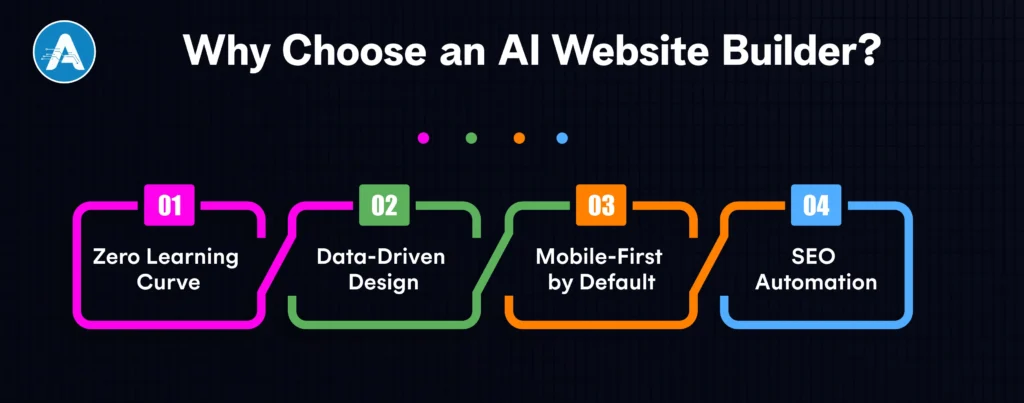
Why Choose an AI Website Builder?
Choosing a free AI website builder isn’t just about saving a few dollars; it’s about shifting from manual production to algorithmic precision. We have reached a point where the free AI website builder acts less like a paintbrush and more like a high-performance engine.
Here is why the manual build is becoming a legacy bottleneck:
1. Zero Learning Curve
The barrier to entry has vanished. AI website development has matured into a conversational interface. You no longer need to understand padding, margins, or z-index. If you can articulate a business goal in a chat box, the AI translates that intent into a functional frontend configuration. It’s the transition from being a builder to being a creative director.
2. Data-Driven Design
The majority of landing pages are unsuccessful due to gut-feeling design. A high-quality best AI website generator is based on a huge training corpus of billions of successful user sessions.
Predictive Heatmaps: The AI automatically places your Call-to-Action (CTA) buttons where users are statistically most likely to click.
Conversion-First Layouts: It is picking industry-specific design patterns like a Problem-Agitate-Solution template that has already been demonstrated to be effective in your special niche.
3. Mobile-First by Default
More than 70% of online traffic is mobile, usually on untraditional displays such as foldables or ultra-thin tablets. The old way of responsiveness, by defining breakpoints manually, is too slow. An intelligent adaptive interface is used in a modern free AI website.
Dynamic Scaling: Images and typography don’t just shrink; they intelligently reformat using native CSS clamp() functions and fluid grids generated by the AI.
Performance-First Code: The AI removes the CSS slew lying idle, making sure that your mobile page will pass the Google Core Web Vitals at 100.
4. SEO Automation
The heavy lifting previously needed by an AI application developer has been replaced by a free AI website builder.
Automatic Schema Markup: The AI identifies your products, FAQs, and events, automatically injecting the JSON-LD code search engines crave.
Semantic Content Optimization: Instead of keyword stuffing, the AI structures your landing page around Search Intent and Topic Clusters, ensuring you are visible for conversational and voice-based queries.
Top 5 Free AI Website Builders
The market for a free AI website builder has split into two camps: tools for rapid prototyping and platforms designed for long-term AI website development.
The following five platforms have redefined the entry point for creators, offering high-utility free tiers that go beyond simple templates to provide functional, data-driven landing pages.
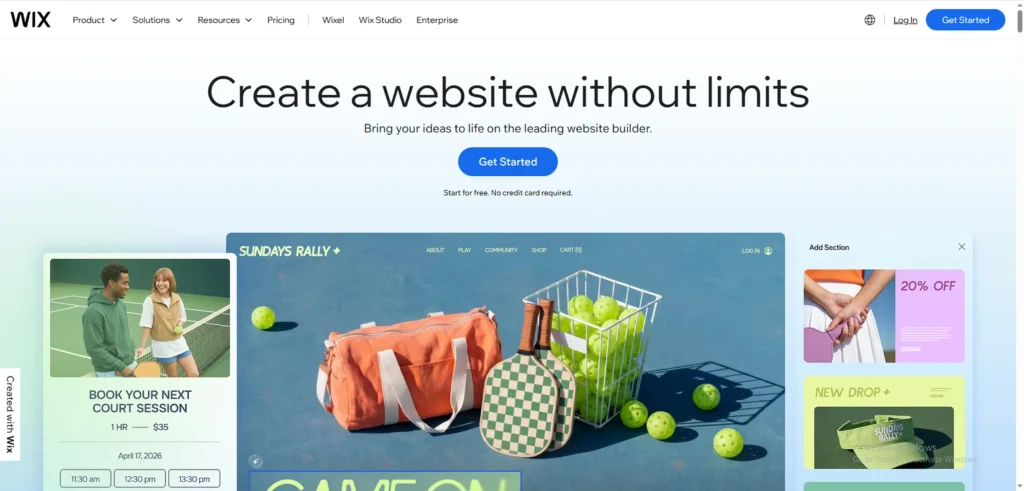
1. Wix
Wix remains the industry benchmark by offering a conversational AI Site Crafter that builds your site while you chat. It is the best AI website generator that creates custom sections and copy based on your specific business intent.
Best For: Startups, service businesses, and personal brands.
Pros:
Conversational Interface: Designs the site based on a real-time interview about your goals.
Advanced AI Toolkit: Access to AI image enhancement, text refiners, and automated SEO tools.
Full Creative Control: Seamlessly switch from AI generation to a manual drag-and-drop editor.
Cons:
Branding: Free plans include visible Wix ads and a username.wixsite.com URL.
Performance: Can be slightly “heavy” with excess code compared to minimalist builders.
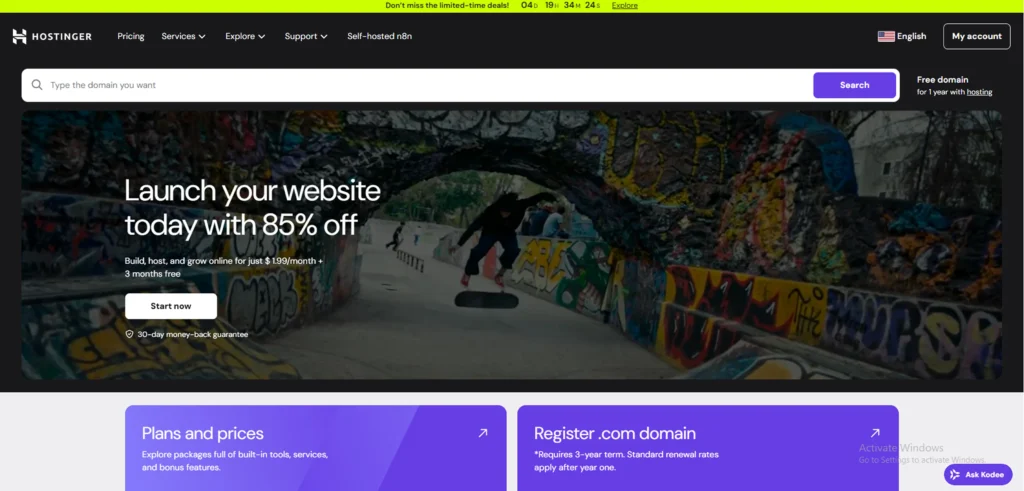
2. Hostinger
Hostinger’s AI builder functions as a virtual AI application developer, prioritizing speed and conversion-ready layouts. It’s built for those who need a sub-60-second deployment.
Best For: MVP landing pages, quick marketing campaigns, and solo founders.
Pros:
AI Heatmap: Predicts where visitors will click, allowing you to place your CTAs with scientific precision.
Performance Optimized: Automatically delivers high scores on Google’s Core Web Vitals.
Simplicity: Zero technical configuration required to get a professional look.
Cons:
Customization Limits: The simple UI means you have less control over complex design tweaks.
Advanced Features: To remove limits or connect a custom domain, an upgrade is mandatory.
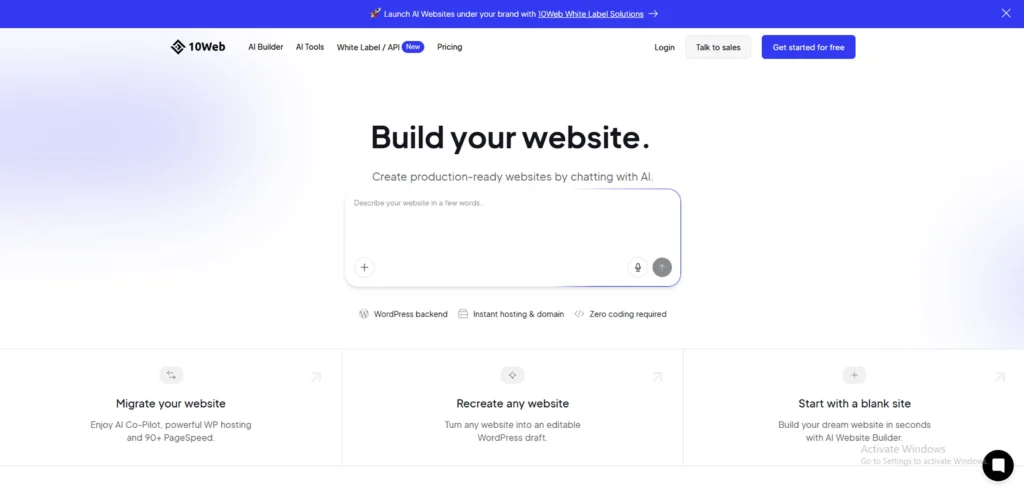
3. 10Web
10Web is the premier choice for users who want the automation of AI without losing the scalability of WordPress. It essentially automates the work of a traditional AI application development company.
Best For: WordPress enthusiasts and businesses focused on long-term SEO.
Pros:
AI Recreation: Can clone any existing URL’s layout directly into a WordPress environment.
Plugin Flexibility: Full access to the vast WordPress plugin ecosystem.
Enterprise Hosting: Built on Google Cloud for superior uptime and security.
Cons:
Learning Curve: Slightly more technical than standalone AI builders.
Pricing Structure: While it offers a robust free trial/sandbox, permanent hosting requires a paid plan.
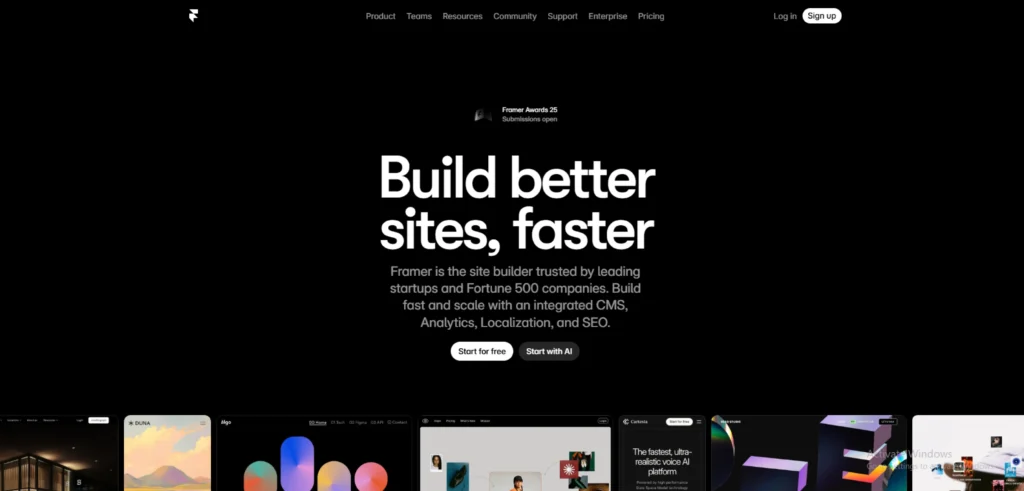
Framer is the best free AI website option for brands where aesthetics are the primary driver of trust. It uses a freeform canvas that generates complex frontend configurations and animations automatically.
Best For: SaaS startups, design agencies, and high-end portfolios.
Pros:
Stunning UI: Produces ultra-modern, award-winning layouts that look custom-coded.
Generous Free Tier: Allows up to 1,000 pages and 10 CMS collections on their subdomain.
Design-to-Code: High-fidelity layouts that feel like a living design tool (Figma for the web).
Cons:
Complexity: Can be overwhelming for total beginners who just want a basic page.
CMS Limits: Managing very large databases requires moving to a Pro tier.
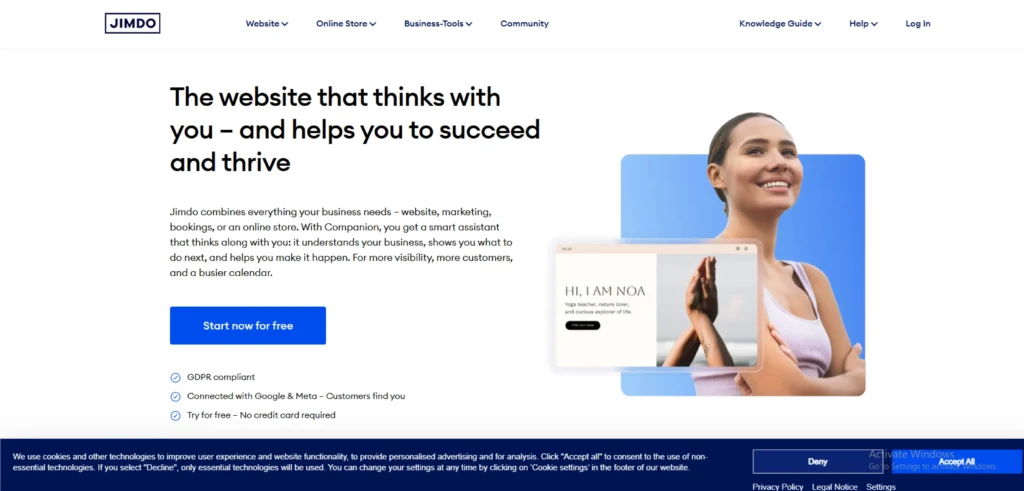
Jimdo uses Dolphin technology to create a functional free AI website by pulling your existing data from across the web. It is the definition of a low-friction best ai website.
Best For: Local businesses, freelancers, and simple service-based sites.
Pros:
Instant Content: Pulls photos and info directly from your social media or Google Business profile.
No Technical Skill Needed: Guided setup that eliminates all design-related decision fatigue.
Mobile Management: Best-in-class app for editing your landing page on the go.
Cons:
Rigid Templates: You cannot freely move elements or deeply customize the layout.
Basic SEO: Good for visibility, but lacks advanced optimization tools for high-competition niches.
How a Free AI Website Builder Works?
The best AI website builders remove the traditional complexity of website creation and replace it with a simple, guided flow. Instead of designing pages block by block, you describe what you want, and the AI handles the heavy lifting.
Here’s how the process typically works:
Prompt
You start by answering a few questions or writing a short prompt about your business, audience, and goal. For example, a product launch, lead generation, or service promotion. This step allows the AI to understand intent, not just design preferences.
AI Layout
Based on your input, the AI generates a structured layout with logically placed sections like hero banners, features, testimonials, and CTAs. This layout is optimized for clarity, mobile responsiveness, and conversions, something users expect from the best free AI website tools.
AI Copy
Next, the AI creates page copy that matches your use case. Headlines, subheadings, CTA text, and section descriptions are generated to align with user intent and conversion goals. You can edit everything, but the AI gives you a strong starting point.
Publish
Once you’re happy with the result, you can publish the site instantly. Most platforms also handle hosting, performance optimization, and basic SEO automatically, making it easy to launch a complete free AI website in minutes.
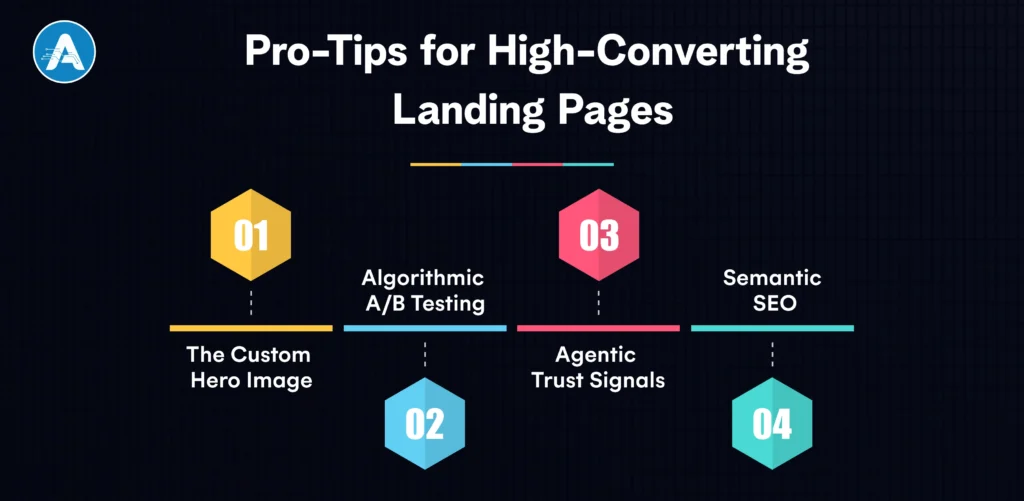
Pro-Tips for High-Converting Landing Pages
To move beyond a generic layout, you must integrate strategic Conversion Rate Optimization (CRO) elements that a standard free AI website builder might miss in its first draft.
1. The Custom Hero Image
Replace generic stock photos found on any free AI website builder plan with unique, high-fidelity visuals generated by an integrated best AI website generator. Focus on “success states” to build immediate trust.
2. Algorithmic A/B Testing
Never assume your first headline is the best one. Even the best free AI website builders can occasionally produce copy that feels robotic. Use the best AI website generator to spin up two versions of your headline, one focusing on pain points and the other on outcomes, to see which ranks better on your best free AI website.
3. Agentic Trust Signals
Integrate AI-driven chatbots that act as 24/7 sales agents. This provides a level of responsiveness typically reserved for premium AI application development services, qualifying leads while you sleep.
4. Semantic SEO
Whether using a WordPress AI website builder or a Shopify AI website builder, ensure your best AI website uses automated schema markup and topic clusters to rank for user intent rather than just keywords.
Conclusion
To wrap up, the digital era has made one thing very clear: the barrier to launching a professional online presence has effectively vanished. No longer a low-cost option (but most certainly a beneficial one), a free AI website builder is a tactical choice regardless of whether it is a single founder who is testing a new MVP or a business owner who needs to modernize their shop.
Automation of the tiresome parts of AI web development enables them to concentrate on what actually matters: your message and your customers. Although the best AI website generator can provide you with a head-start of the world, the most effective pages are those on which man and machine meet at equal pace.
Design paralysis Design paralysis can be overcome using these platforms, iterate in real-time, and ultimately bring your ideas off the whiteboard and into the browser. The era of waiting weeks for a developer is over. Start building today, and let a free AI website builder turn your vision into a high-converting reality before the day is out.
Planning for AI Project
Get clarity on use cases, architecture, costs, and timelines with insights from 50+ real-world AI implementations.
1. When should I move from a free builder to hiring an AI application developer?
When you need agentic functionality, like custom user databases, advanced API integrations, or proprietary machine learning models, you have outgrown standard builders. At that stage, investing in AI application development services is the right move for scaling.
2. Can an AI website builder help with SEO?
Absolutely. Most top-tier platforms automatically handle SEO automation, including sitemap generation and schema markup. For deeper control, a WordPress AI website builder allows you to use advanced plugins like Yoast or Rank Math.
3. Is it really possible to build a professional site with a free AI website builder?
Yes. In 2026, tools like Wix and Framer provide high-fidelity frontend configuration for free. The primary trade-off is usually a branded subdomain (e.g., .wixsite.com) and limited storage.
4. Does Shopify have an AI website builder?
Yes, the Shopify AI website builder (Shopify Magic) is specifically designed for e-commerce, helping you generate product descriptions and store layouts that are optimized for sales from day one.
5. Can I migrate my site if I outgrow the free AI builder?
It depends. Standalone builders often lock you into their ecosystem. If you want long-term flexibility, using a WordPress AI website builder is the best move, as it allows you to eventually scale with an AI application developer without rebuilding from scratch.
NLP in Healthcare is rapidly transforming how medical data is processed, analyzed, and utilized. With nearly 80% of healthcare data unstructured, ranging from clinical…
Hiring has always been one of the most critical and challenging functions for any organization. Yet, traditional recruitment processes often rely on manual screening,…