
We have officially moved past the era of chatting with computers. In 2026, Gemini AI has transformed from a reactive chatbot into a proactive, agentic ecosystem. If you are still using AI just to summarize emails or fix grammar, you are essentially using a supercomputer to do the work of a calculator.
Google’s latest leap is Gemini 3 Ultra, which doesn’t just predict the next word in a sentence; it thinks, plans, and executes across an entire company’s digital infrastructure. This kind of capability enterprises usually rely on an experienced AI development company to design, integrate, and scale responsibly.
This blog breaks down the full capability set for developers, QA engineers, and business leaders, providing the blueprint to master the most powerful Google generative AI ever built.
Understanding Gemini AI Ecosystem
The Google AI tools ecosystem is now divided into three distinct gears, allowing you to balance speed, cost, and raw intelligence depending on the task.
Three Core Versions of Gemini
Think of the Gemini AI lineup as a toolkit where you choose the right gear for the specific job at hand.
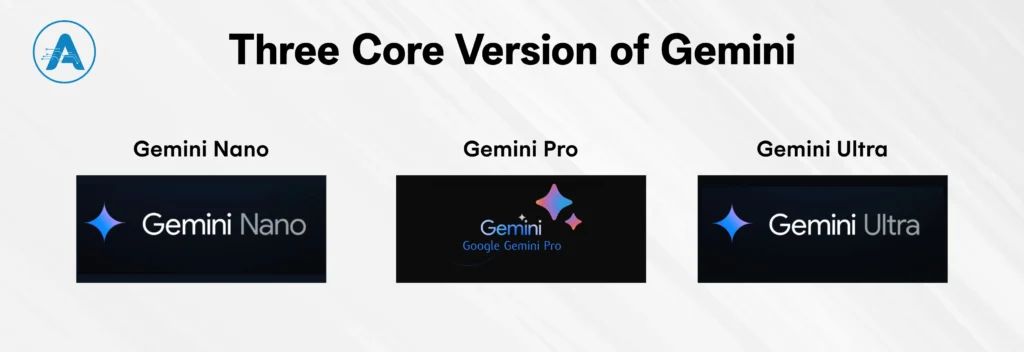
- Gemini Nano: It operates locally on Android; it works with sensitive features such as text summarization tools, call screening in real-time, and offline document analysis without sending data to the cloud.
- Gemini Pro: The Google AI chatbot is an all-rounder that suits all purposes, whether it be planning a trip, summarizing a long-video, or in-depth research. It offers the optimal compromise between power-users who require Deep Research and huge memory to sustain long conversations.
- Gemini Ultra: Brain programmed to handle such huge activities as complicated coding, hard mathematics, and deep-horizon thinking, which needs utmost power. This is the option of the high-end developers and businesses with agentic work processes that involve complicated logic.
Difference Between Gemini 1.5 vs. Gemini 3
To see how far we’ve come, let’s look at the jump from the previous generation to the current Google Generative AI standard. Speed isn’t just about how fast text appears; it’s about the “Thinking Time” the model uses to ensure accuracy.
| Feature | Gemini 1.5 | Gemini 3 | Why it Matters |
| Context Window | 1M Tokens | 2M+ Tokens | Can read twice as much data in one go. |
| Reasoning Speed | Standard | Adaptive Deep Thinking | Instant for easy tasks, deep logic for hard ones. |
| Multimodality | Text/Image/Audio | Native 4D Video/AR | Understands real-time video and spatial environments instantly. |
| Agentic Power | Tool-use only | Autonomous Execution | Can actually perform the task |
Core Capability of Gemini AI
Gemini AI is one of the advancements in the field of artificial intelligence created by Google, which is a combination of high-level generative and practical applications. Gemini AI is one of the AI-based solutions provided by Google and brings powerful solutions to various fields. The following are the highlights of its core capabilities:
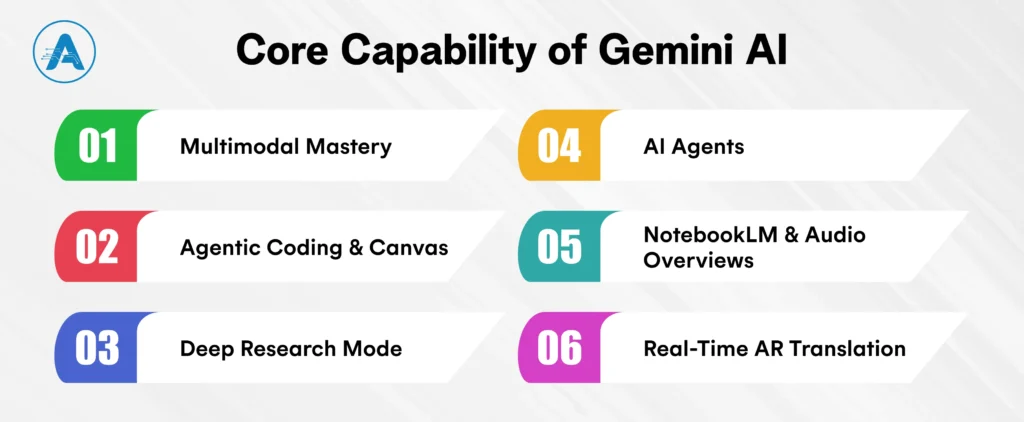
1. Multimodal Mastery
One of Gemini AI’s biggest strengths is its native multimodal engine. Unlike other tools that first convert images into text, Gemini AI processes video, audio, and live data streams all at once.
- Live Vision: Using AI on Android, you can take your camera and point it at a complicated engine or a chaotic circuit board, and Gemini AI will tell you how to fix it in real-time. Enough guessing, just plain actionable advice.
- Audio Intelligence: Gemini AI does not simply hear a conversation; it processes the tone, mood, and intent of the speaker. Gemini will note the most important pieces of information and read between the lines, even when you are in a 2-hour messy ideas meeting and have to summarize it.
2. Agentic Coding & Canvas
For a modern AI application developer, Gemini’s agentic coding and Canvas experience removes friction between idea and execution, allowing interfaces, logic, and workflows to be built simultaneously.
- Vibe Coding: Using Google Generative AI, you can tell the aesthetics of your app, such as a neon-themed fitness tracker with a calorie-tracking slider equipped, and Gemini AI will actually write the code and make the UI in the Gemini Canvas.
- Real-time UI Design: The Canvas is an editor that, as you type, displays a live preview that you can drag, drop, and adjust the interface, without writing a single line of CSS. You can build beautiful interfaces within seconds.
3. Deep Research Mode
No more wasting time clicking through multiple tabs. Gemini AI has a Deep Research Mode that acts like your personal investigator, saving you hours of online research.
- Personal Data Integration: Google Gemini AI scans the live web alongside your Gmail and Drive files to provide you with a professional, fully-sourced report in minutes.
- Autonomous Fact-Checking: In comparison to a primitive Google AI chatbot, Gemini AI cross-checks data across more than 100 sources, providing precise, clickable citations to make sure that you are receiving 100% confirmed information.
4. AI Agents (Gems)
Google AI tools are no longer just for answering questions; they’re designed for action.
- Custom Experts: You can build Gems, i.e., specialized AI agents handling particular tasks such as Social Media Management, or Code Auditing. These agents will be designed to take care of the peculiar rules of your brand.
- Autonomous Workflows: These Gems are capable of browsing, as well as making appointments (with your permission). The Google Gemini is a do-bot that will help you work more efficiently with the help of AI.
5. NotebookLM & Audio Overviews
Whether you’re a student or a busy professional, Gemini AI offers the ultimate way to learn on the go.
- Podcast Generation: Upload a 100-page research paper, and Gemini AI will transform it into a high-energy, podcast-style audio discussion between two AI hosts.
- Multi-Source Logic: Feed Gemini AI a YouTube link, a PDF, and a website, and ask it to connect the dots. It pulls everything together into a comprehensive summary in minutes.
6. Real-Time AR Translation
Google’s Gemini AI is merging the digital world with the physical in an incredible new way.
- AR Overlays: Using your camera, Gemini AI overlays instructions onto real-world objects. Whether you’re assembling furniture or navigating a menu in Tokyo, you get step-by-step guidance in real-time.
- Contextual Awareness: Google AI Gemini understands the environment around you, warning you of obstacles or identifying landmarks as you walk, creating a truly interactive experience.
Top 5 Real-World Applications
It’s one thing to read about a feature; it’s quite another to actually see it in use. Google AI tools have moved from experimental pilots to the very core of the global industry. Here is how five major sectors are using Google Gemini AI to redefine what’s possible.
1. Healthcare
Healthcare is no longer drowning in paperwork. Using Med-Gemini, doctors now have a multimodal partner that speeds up diagnostics and patient care.
- Smarter Summaries: Gemini AI scans a patient’s entire health history, including handwritten notes and legacy files, to highlight hidden risks or missed drug interactions in seconds.
- Diagnostic Assistance: By natively “looking” at X-rays and MRI scans alongside clinical reports, the AI provides a high-accuracy “second opinion” that helps catch early-stage anomalies.
2. Marketing & Creative
For marketing teams, the speed of content creation is the new competitive edge. The Google Generative AI ecosystem has turned months of production into minutes.
- Veo 3 Video Generation: Marketers now use Veo 3 to generate high-fidelity, 4K social media ads and product demos with synchronized audio just by typing a prompt.
- Brand Voice Gems: Companies create custom “Gems” fine-tuned on their brand guidelines, ensuring every caption, email, and blog post stays perfectly on-message across every global region.
3. Software Development
If you are a developer, Google Gemini AI has evolved into your “Principal Architect.” It doesn’t just suggest lines of code; it understands the entire system.
- Auto-Debugging: When a microservice fails, Gemini analyzes the logs and the repo context to pinpoint the exact broken line across multiple services, even suggesting the fix.
- Boilerplate to Deployment: Tell Gemini to “Build a scalable payment gateway in Go,” and it generates the code, the unit tests, and the Docker configuration in a single, agentic workflow.
4. Education
Education has become a “Classroom of One.” With Google AI Gemini, learning is no longer a one-size-fits-all experience.
- Adaptive Learning: Gemini AI identifies a student’s specific learning style, whether they learn best through visual diagrams, text, or the podcast-style audio overviews in NotebookLM.
- Study Buddy 2.0: Students using the AI app for Android can share their screen or camera to get step-by-step guidance on complex math problems without the AI simply giving the answer.
5. Business Operations
Large-scale operations are using Google AI tools to predict the future before it happens.
- Logistics Automation: Within the Vertex AI platform, businesses run Digital Twin simulations of their supply chains. Gemini AI predicts delays due to weather or port strikes and autonomously suggests rerouting options.
- Inventory Optimization: By analyzing real-time sales data and global trends, Gemini helps retailers predict exactly how much stock is needed, reducing waste and boosting profits by up to 20%.
How to Access and Integrate Gemini Today
The beauty of the Google AI ecosystem is that you don’t have to change how you work; the AI comes to you. Whether you are an individual user or a scaling business, here is your integration roadmap.
I. Google Workspace Integration
For most users, the Magic happens inside Google Workspace. Google AI chatbot capabilities are embedded into every document and spreadsheet.
- The “@” Symbol Power: Just type “@” followed by a file name (e.g., @Q4 Sales Data) in the Gemini side panel within Google Docs. The AI will instantly pull that specific data to help you draft summaries or create charts without leaving the page.
- Smart Overviews in Gmail: Do not kill time with 50 emails long threads. Gemini AI now displays an overview of the AI at the top of long-discussions and informs you about the most important decisions and items that require your attention.
- Sheets on Autopilot: Use the Google AI tool in Sheets to “Describe a table” you need (like an expense tracker), and it will build the columns, formulas, and even sample data for you instantly.
II. Vertex AI for Developers
If you are a business leader or a dev, this is where structured AI application development services become critical, helping businesses fine-tune Gemini models, deploy agentic workflows, and integrate them securely across internal systems using Vertex AI.
- Custom AI Model Tuning: Businesses use Vertex AI to take the raw power of Google Gemini AI and fine-tune it on their own private data. This ensures the AI understands your company’s unique lingo and history.
- Vertex AI Studio: This is a “no-code” playground where you can test prompts, experiment with the Google Generative AI models, and deploy your own “Gems” (AI agents) to your website or internal apps in clicks, not months.
Ethical AI and Data Privacy
The biggest question in 2026 isn’t “What can AI do?” but “Can I trust it with my data?” As Gemini AI becomes more integrated into our lives, Google has built a “Trust Layer” that ensures your private information stays private and your results stay factual.
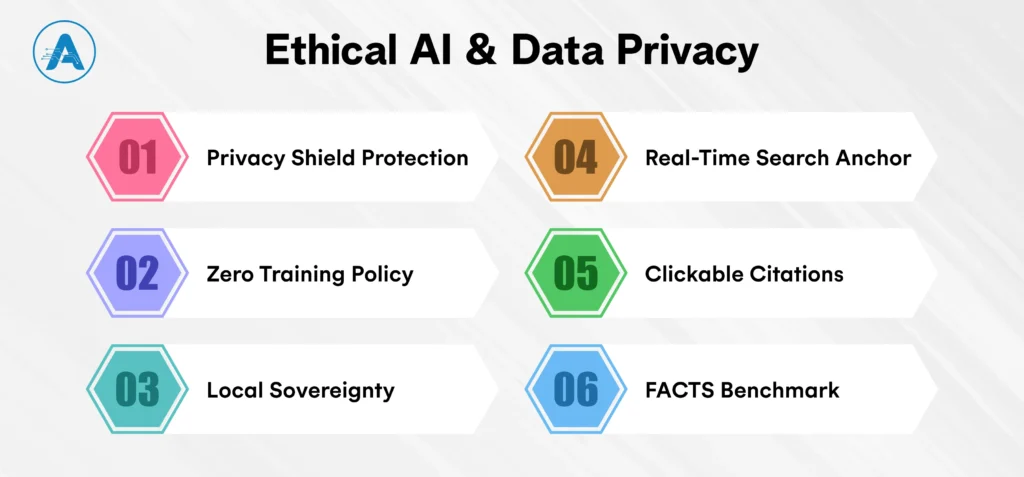
- Privacy Shield Protection: When you use Google AI tools through Workspace or Google Cloud, your prompts and files are kept in a secure, isolated vault.
- Zero Training Policy: Google officially guarantees that your private data is never used to train the global Google Generative AI models without your explicit permission.
- Local Sovereignty: For users of the AI app for Android, much of the processing happens via Gemini Nano directly on your device. This means your most sensitive data never even touches a server.
- Real-Time Search Anchor: Instead of relying only on memory, Gemini AI uses the Google search tool to cross-reference every factual claim against the live web in real-time.
- Clickable Citations: Every response in the Google AI chatbot now features inline citations, allowing you to click and verify the exact source of any statement.
- FACTS Benchmark: Google now measures accuracy using the FACTS Score. In 2026, Gemini 3 Pro showed a 55% reduction in errors compared to previous generations, making it the most reliable reasoning engine yet.
Conclusion
The change between the year 2024 and the year 2026 has been the greatest change in human productivity since the beginning of the Internet era. We are not living in a world where we simply ask questions to the computer; we are living in a world where we work together with an ecosystem.
By mastering these Google AI tools, you are gaining a principal architect, a tireless researcher, and a proactive partner. Whether you are a developer deploying microservices, a student bridging learning gaps, or a business leader securing your data through Vertex AI, the roadmap for success is now in your hands.
The journey doesn’t end with this guide; it begins when you send your first agentic prompt today. The future isn’t just coming; with Gemini AI, it’s already here, waiting for you to take the lead.
Software development in 2026 is being reshaped by AI for coding not as a futuristic concept, but as a practical, everyday tool used by developers to write, review, and maintain software faster than ever before.
In this blog, we’ll break down what the best AI for coding actually looks like today, how modern AI for programming works in real development environments, and which tools genuinely help developers write better code instead of creating more complexity. Partnering with an AI development company can provide a strategic edge.
The shift is already happening at scale. According to the Stack Overflow Developer Survey, 84% of developers now use or plan to use AI tools in their development workflows, confirming that AI for developers has moved from experimentation to adoption.
This matters because today’s software teams are under constant pressure to deliver faster releases, manage larger codebases, and maintain quality across web, mobile, and cloud applications. Traditional tools alone are no longer enough.
This guide is designed to help you cut through the noise. Instead of hype-driven claims, we’ll focus on the best AI for code generation, real-world use cases, strengths, limitations, and how to choose the right AI for your development needs, whether you’re a solo developer, a growing startup, or an enterprise engineering team.
What do you mean by AI for Coding?
AI for coding refers to a new class of intelligent tools designed to assist developers throughout the software development lifecycle, not just while writing code, but also during planning, testing, debugging, refactoring, and maintenance.
Unlike traditional IDE features or static code analyzers, modern AI for programming systems understands context, intent, and relationships across an entire codebase.
AI for coding analyzes programming data to learn patterns across languages and frameworks. Integrated into an IDE, it suggests logic, generates functions, explains code, and identifies issues, making it invaluable for complex projects requiring quick clarity.
- The best AI for coding operates at a higher level of abstraction, understanding entire files, modules, dependencies, and overall application flow instead of focusing only on individual lines of code.
- Because of this broader context awareness, modern AI tools are widely used for AI in web development, backend services, APIs, and large-scale systems where multiple components interact.
- Developers can describe what they want to build in plain language, and the AI translates that intent into structured, usable code that fits within the existing project.
- AI for software engineering handles repetitive and time-consuming tasks, helping reduce manual effort while developers retain full control over architecture, logic, and quality.
- Instead of redefining the developer’s role, AI for coding enhances how developers work by supporting better decisions, faster execution, and more efficient collaboration.
Why Are Developers Adopting AI for Coding?
The trends that have seen Best AI for coding rapidly in 2026 have practical, real reasons and not experimental ones. The environments developers work in are larger, shorter, and more demanding in terms of performance, security, and scalability than ever before. AI serves to fill this gap by providing a real-time productivity and decision-support layer.
Whether you’re a business looking to enhance your development with AI-powered tools or an individual developer, working with an AI application developer can be a great way to integrate these solutions into your workflow.
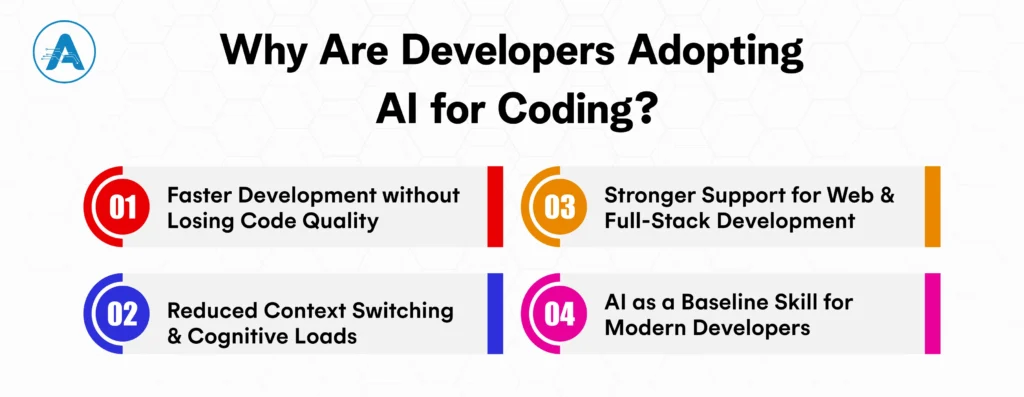
I. Faster Development without Losing Code Quality
Best AI for coding helps developers move quickly by generating boilerplate, suggesting reliable patterns, and automating repetitive logic. Instead of rushing through routine tasks, developers can focus on critical business logic while maintaining consistency, readability, and long-term maintainability across the codebase.
II. Reduced Context Switching and Cognitive Loads
Modern development requires constant reference to documentation, frameworks, and legacy code. AI for developers minimizes this friction by providing in-context explanations, recommendations, and corrections directly inside the IDE. This keeps developers focused, improves concentration, and significantly reduces mental overhead.
III. Stronger Support for Web and Full-Stack Development
With applications spanning frontend, backend, and infrastructure layers, AI for web development helps developers understand how different components interact. It assists in aligning UI logic with APIs, handling data flows, and refactoring shared code, making full-stack development more efficient and less error-prone.
IV. AI as a Baseline Skill for Modern Developers
Using AI for writing code in 2026 is a must. Teams that adopt AI as part of their daily workflow ship faster, manage technical debt more effectively, and scale engineering efforts with confidence, making AI a foundational capability rather than a competitive edge.
Best AI for Coding in 2026
The best AI for coding not only generates code but also provides deep contextual understanding, reducing repetitive tasks and improving decision-making. Here are the top 10 AI code writers and tools transforming development workflows:
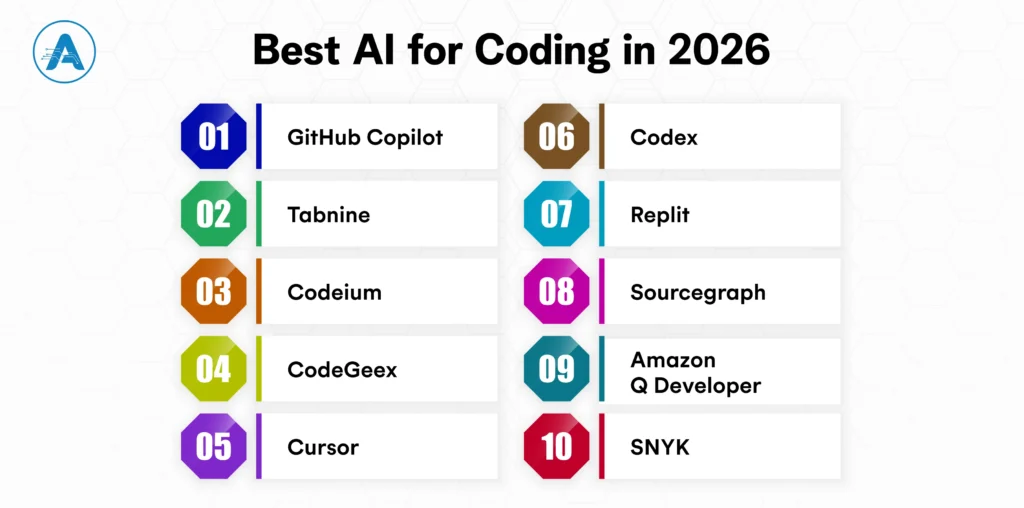
1. GitHub Copilot
GitHub Copilot, powered by OpenAI, helps developers write code faster by offering real-time suggestions based on your project’s context. It’s like having an AI pair programmer that speeds up your workflow with intelligent autocompletion.
| Best For | General-purpose code generation and Suggestion |
| Languages Supported | Python, JavaScript, TypeScript, Ruby, and more |
| Key Features | Provides real-time code suggestions and completions. Understands context and generates function definitions, variable names, and complex algorithms. Fully integrated with VS Code and other popular IDEs |
2. Tabnine
Tabnine is an AI code completion tool that integrates deeply with IDEs, offering context-aware suggestions to improve coding efficiency. It learns from your project and team to provide personalized, accurate code completions.
| Best For | Full IDE integration and team-oriented projects |
| Language Supported | Python, Java, JavaScript, TypeScript, and more |
| Key Features | Code completions based on a deep understanding of your codebase. Customizable suggestions for team-specific standards. Works with over 30 IDEs, including VS Code, JetBrains, and Sublime Text |
3. Codeium (Visual Studio)
Codeium for Visual Studio provides real-time code suggestions and refactoring help, streamlining development in this popular IDE. It adapts to your project’s context, making coding faster and more intuitive.
| Best For | Developers using Visual Studio for .NET and C# projects |
| Language Supported | C#, Python, JavaScript, TypeScript |
| Key Features | Real-time suggestions based on both code context and natural language descriptions. Offers in-depth debugging support, variable suggestions, and test case generation. Provides seamless integration into Visual Studio IDE |
4. CodeGeex
CodeGeex offers AI-powered code generation and debugging, learning from your specific coding patterns to deliver smart, customized suggestions. It’s designed for developers who want a more tailored AI experience.
| Best For | Full-stack development with a focus on AI-assisted coding |
| Language Supported | Python, JavaScript, Go, Java, and more |
| Key Features | Generates code from high-level prompts, converting natural language descriptions into usable code. Supports collaborative coding environments, ideal for team-based projects. Built-in error detection and refactoring suggestions |
5. Cursor
Cursor enhances your IDE experience by providing smart, contextual code suggestions and automated refactoring. It helps you focus on high-level tasks while AI handles the repetitive work, boosting productivity.
| Best For | Real-time code assistance and learning |
| Language Supported | Python, JavaScript, Ruby, TypeScript, and more |
| Key Features | Helps developers learn while coding, offering contextual explanations of code. Suggests improvements and optimizations in real time. Works with any IDE, providing flexibility across various environments |
6. Codex (OpenAI)
Codex by OpenAI converts natural language prompts into fully functional code, helping developers turn their ideas into code with just a few words. It powers GitHub Copilot and supports multiple languages and frameworks.
| Best For | Large-scale, complex projects requiring advanced code generation |
| Language Supported | Multiple languages (Python, JavaScript, etc.) |
| Key Features | Generates complex code structures from natural language descriptions. Offers code explanations and can handle multi-step programming tasks. Integrated with GitHub Copilot, offering enhanced coding capabilities |
7. Replit
Replit offers an integrated platform where developers can write, test, and deploy code with real-time AI suggestions. With features like instant collaboration and automatic code completion, it’s a go-to for teams and solo developers working on everything from personal projects to startup MVPs.
| Best For | Collaborative real-time coding and educational use |
| Language Supported | Python, JavaScript, Ruby, Java, and more |
| Key Features | An AI assistant with the ability to debug code, create applications, and make wise recommendations. With only one click, deploy web apps and APIs that are hosted directly on Replit. Collaborate with colleagues in a shared workplace, akin to Google Docs for code |
8. Sourcegraph
Sourcegraph makes navigating large codebases easier by providing AI-powered code search and intelligent navigation. It helps developers quickly find relevant code snippets and understand unfamiliar code, improving workflow efficiency.
| Best For | Large codebases and enterprise-level software |
| Language Supported | Go, Python, JavaScript, Java, TypeScript, and more |
| Key Features | Provides AI-powered code search and navigation tools. Integrates with version control systems to suggest improvements and track changes. Supports multi-language codebases, ideal for large, complex systems |
9. Amazon Q Developer
Amazon Q Developer is tailored for AWS development, helping you write cloud-native code with intelligent AWS service integration. It accelerates cloud app development by providing context-aware code suggestions for AWS environments.
| Best For | AWS-based applications and cloud computing environments |
| Language Supported | Python, Java, JavaScript, TypeScript, and more |
| Key Features | Supports AI-assisted coding tailored for AWS services and applications. Helps optimize code for cloud performance and scalability. Integrates directly with AWS Developer Tools, improving cloud-native development workflows |
10. SNYK
SNYK integrates security into your coding workflow by automatically identifying vulnerabilities in your dependencies. It provides AI-driven recommendations to fix security risks before they become issues, ensuring safer code.
| Best For | Security-focused code analysis and vulnerability detection |
| Language Supported | JavaScript, Python, Go, Java, Ruby, and more |
| Key Features | AI-powered security analysis for vulnerabilities and issues in open-source code. Offers real-time security suggestions, identifying flaws and risks. Works with GitHub, GitLab, and Bitbucket for seamless integration |
How We Evaluated the Best AI for Coding Tools
When selecting the best AI for coding tools, we considered several key factors that determine their effectiveness and overall value for developers. Below is a breakdown of the evaluation criteria:
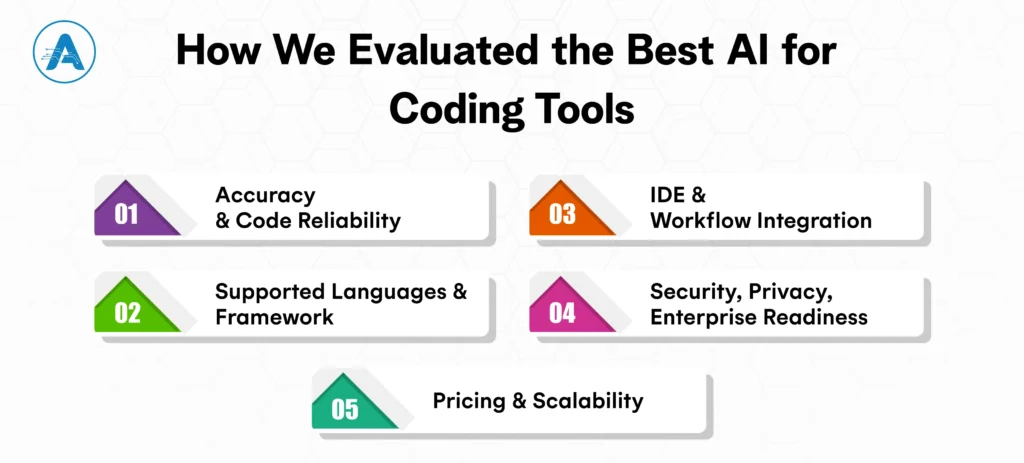
I. Accuracy and Code Reliability
We assessed each tool’s ability to generate high-quality, bug-free code that can be directly used in production. Accuracy is crucial for AI tools to be practical, especially when dealing with complex codebases or generating code from natural language.
II. Supported Languages and Framework
The best AI tools for coding support a wide range of programming languages and frameworks, allowing developers to use them across different projects.
Whether working with Python, JavaScript, Java, or newer languages like Go, the tool’s compatibility with your tech stack is essential for maximizing productivity.
III. IDE and Workflow Integration
An AI coding tool is only useful if it integrates seamlessly into your existing development environment. We looked at how well each tool integrates with popular IDEs, version control systems, and CI/CD pipelines.
A tool that fits smoothly into your workflow without major disruptions is key to maintaining a high-development speed.
IV. Security, Privacy, Enterprise Readiness
For enterprise teams, security and privacy are non-negotiable. We evaluated each tool’s security features, such as encryption and compliance with industry standards.
Enterprise readiness also includes user management, role-based access control, and the ability to support private repositories or proprietary code, ensuring safe collaboration.
V. Pricing and Scalability
The cost of AI tools varies, so we analyzed how each tool fits into different budget ranges. Whether you’re a solo developer, small startup, or large enterprise, understanding the pricing model and the tool’s scalability was crucial in our evaluation.
Wrap Up
As we’ve seen, Best AI for coding in 2026 is transforming how developers approach writing code, debugging, testing, and managing projects. From GitHub Copilot offering context-aware code suggestions to SNYK securing your applications, AI tools have become indispensable for developers at every level.
Whether you’re a solo developer working on a personal project or part of an enterprise team building complex software, the right AI for programming tools can significantly boost your productivity, reduce errors, and improve overall code quality.
When selecting the best AI for coding, consider factors like supported languages, IDE integration, and security features that align with your specific needs. Tools like Tabnine or Codex might be ideal for those looking to streamline their coding process, while Sourcegraph is perfect for navigating large codebases. Meanwhile, Amazon Q Developer and Replit offer powerful AI solutions for cloud-native and collaborative development.
Remember, AI for developers isn’t just about automating tasks; it’s about enhancing your ability to create high-quality software faster. The right AI tool will not only help you generate code but also optimize your entire development workflow. So, whether you’re just starting or looking to level up your coding process, choose the tool that fits your workflow and needs. If you’re interested in custom AI solutions for your business, AI application development services can help you integrate the right tools and workflows tailored to your goals.
SLM vs LLM Imagine you are running a growing online business. Orders are coming in, customers are engaging, and everything is moving fast. But behind the scenes, your team is spending hours answering the same questions every single day. Where is my order? How do I get a refund? Can you share product details again?
At some point, you pause and think, there has to be a smarter way to handle this. That is when AI language models come into play.
You start exploring options, and suddenly you are faced with a confusing choice. SLM vs LLM.
Should you use a small language model that is fast, affordable, and designed for specific tasks?
Or should you invest in a large language model that promises advanced intelligence but comes with higher costs and greater infrastructure requirements?
This is where many businesses get stuck.
Not every task needs a massive language model AI with deep reasoning capabilities. In many real-world cases, small language models can solve business problems more efficiently than large AI systems. But in other situations, LLMs are exactly what you need.
The real challenge is knowing which AI model actually fits your business goals and which one will quietly drain your budget without delivering results.
That is why understanding SLM vs LLM is so important for your business growth.
In this guide, you will learn how small language models and large language models work, where each one performs best, and how an AI application developer can help you choose the right model to improve efficiency, reduce costs, and scale your business with confidence.
What Is a Small Language Model (SLM)?
A small language model is a focused type of AI language model built to perform specific tasks efficiently. SLM models are designed to deliver accurate results while using fewer resources, making them practical for everyday business use.
These small language models are trained with fewer parameters, which means they require less computing power and lower infrastructure costs. A small model is easier to deploy, faster to run, and simpler to maintain, especially for businesses working with limited budgets or technical teams.
In real business environments, small language models are commonly used for repetitive and well-defined tasks such as customer support automation, document classification, internal search systems, invoice processing, and workflow automation. A small LLM works effectively when it is trained on business-specific data and clear rules.
This is why many organizations choose small LLM models when speed, cost efficiency, and reliability are top priorities.
What Is a Large Language Model (LLM)?
Large language models are designed to handle complex and varied language tasks. They can understand broader context, connect ideas across topics, and respond more flexibly and conversationally. This makes them useful when tasks are not fixed or when requirements change frequently.
An LLM AI model is trained on massive datasets that include books, websites, articles, and code. This allows the language model AI to understand context deeply and generate human-like responses across many different use cases.
Large language models are widely used for long-form content creation, advanced analysis, multilingual translation, coding assistance, and strategic support across teams. Their flexibility makes them valuable for businesses that need AI to work across multiple functions.
However, this capability requires more computing power and higher operational investment.
SLM vs LLM: A Comparative Overview
Choosing between small language models vs large language models depends on your resources, speed needs, and business use case. A large language model (LLM AI model) provides higher accuracy and versatility for complex tasks, while small language models (SLMs) focus on faster performance, lower costs, and efficient task automation.
Many businesses consult AI application development services to implement the right model for their goals and ensure seamless integration into workflows. The table below highlights the key differences between SLM vs LLM, helping you select the best AI language model for your business needs.
| Key Consideration | Small Language Models (SLMs) | Large Language Models (LLMs) |
| Model Size | Compact models with millions of parameters, optimized to perform specific language tasks efficiently | Very large models with billions of parameters, designed to handle broad and complex language understanding across many domains |
| Cost Efficiency | Highly cost-efficient for daily operational tasks and high-volume usage | High and requires powerful GPUs, large memory, and scalable cloud infrastructure |
| Latency | Low latency with fast response times, ideal for real-time applications | Higher latency due to heavier processing per request |
| Deployment | Can run on edge devices, mobile apps, local servers, or private clouds | Primarily cloud-based due to heavy infrastructure needs |
| Training Data | Requires less task-focused training data | Trained on massive and diverse datasets for general-purpose intelligence |
| Accuracy | Moderate to high accuracy for well-defined and repetitive tasks | Very high accuracy for complex reasoning and long-context understanding |
| Scalability | Scales efficiently with low resource consumption | Highly scalable but resource-intensive as usage grows |
| Data Privacy | Better control since models can run on-premise or locally | Cloud processing raises privacy and compliance concerns |
| Best Use Cases | Sentiment analysis, virtual assistants, recommendation systems, workflow automation, FAQs | Advanced chatbots, content creation, research, analytics, and multi-domain reasoning |
| Ideal For | Startups, SMBs, and enterprises focused on efficiency and cost control | Enterprises with complex requirements and larger AI budgets |
Key Differences between SLM vs LLM
Both SLM vs LLM are powerful AI language models, but they serve very different business needs. The real difference lies insize, cost, speed, and use case, all of which directly impactyour results and Return on Investment (ROI). This is why choosing the right approach with the support of an experienced AI development company can make a significant difference.
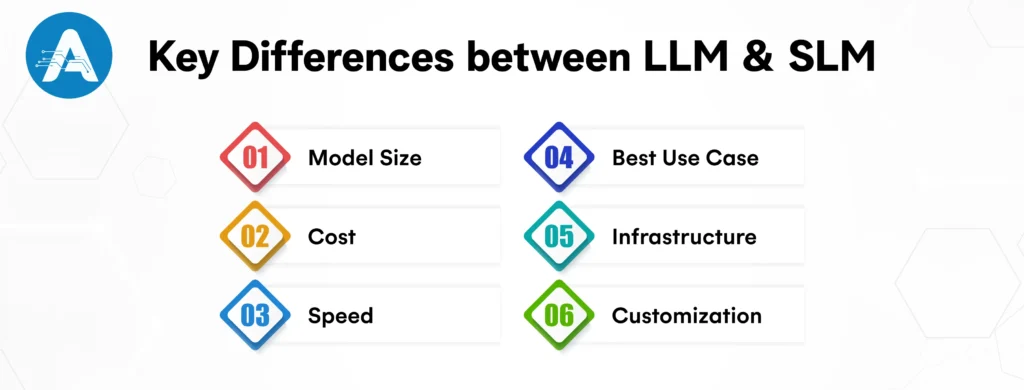
Model Size
- A small language model is compact, with millions of parameters, making it lightweight and efficient for focused tasks.
- A large language model (LLM AI model) has billions of parameters, allowing it to handle complex language, deep context, and broad knowledge.
If your task is specific, a small model works perfectly. Use an LLM only when deep reasoning is required.
Cost
- SLM models are budget-friendly, using less computing power and simpler infrastructure.
- LLMs are expensive due to high GPU, memory, and cloud requirements.
For businesses seeking faster ROI and predictable costs, small language models are the smarter choice.
Speed
- Because they are lightweight, small LLM models deliver faster responses.
- LLMs are slower due to heavier processing.
When quick response time impacts user experience, small language models deliver better performance than LLMs.
Best Use Case
- SLMs are ideal for automation, sentiment analysis, recommendations, FAQs, and virtual assistants.
- LLMs are best for content creation, research, analysis, and complex conversations.
Choose a small language model over a large language model when efficiency and cost matter.
Infrastructure
- Small language models can run on edge devices, mobile apps, or local servers.
- Large language models usually need cloud-based, high-end infrastructure.
If easy deployment is important, small language models are easier to manage.
Customization
- SLM models are easy to fine-tune and maintain.
- LLMs require more data, time, and expertise to customize.
For businesses that require frequent updates and adjustments, small language models provide better flexibility.
SLM vs LLM Key Takeaways
- Small language models (SLMs) are fast, cost-efficient, and built for specific tasks
- Large language models (LLMs) are powerful, flexible, and designed for complex, wide-ranging tasks
The real question in SLM vs LLM is not which one is better, but which AI language model aligns with your business goals, budget, and use case.
SLM vs LLM Use Cases for Business Growth
The easiest way to understand SLM vs LLM is to look at how businesses actually use these models in daily work. Both are powerful AI language models, but they are built for different types of tasks.
Where Small Language Models Work Best
Small language models are ideal when the work is clear, repetitive, and predictable. If a task follows rules and does not change often, an SLM usually does the job efficiently.
Businesses commonly use SLM models for customer support chatbots that handle routine questions like order tracking, delivery timelines, and return policies. They are also widely used for document sorting, invoice processing, form checking, internal knowledge search, and automating simple workflows.
Because small language models need less computing power, they can run on local systems or private setups. This helps businesses save costs, respond faster, and keep better control over their data. That is why many companies choose small LLM models when they want reliable results without high running expenses.
Where Large Language Models Are More Useful
Large language models are better suited for tasks that are less fixed and more flexible. When work involves creativity, deeper understanding, or changing requirements, an LLM AI model performs better.
Businesses often use large language models for writing blogs and marketing content, translating multiple languages, analyzing customer feedback, generating code, summarizing large documents, and supporting research or planning activities. These models can understand broader context and adjust their responses based on different situations.
Because a language model AI of this size can handle many tasks at once, it is usually integrated into enterprise platforms and customer-facing applications where versatility is important.
SLM vs LLM: How to Pick the Right Model
The choice between SLM vs LLM becomes easier when you focus on what you want AI to do for your business.
If your goal is to automate routine work that follows clear rules, small language models are usually the better fit. They handle day-to-day tasks quickly, reliably, and at a lower cost.
If your work involves changing requirements, creative thinking, or a deeper understanding of language, large language models are more suitable. They adapt better to complex tasks and support broader business needs.
By matching the model to the task, you can choose the right AI language model that supports your business growth without unnecessary complexity or expense.
SLM vs LLM in a Simple Example
Imagine you run an online store where customers ask the same questions every day, like “Where is my order?” “When will it be delivered?”, or “How can I return a product?” To save time, you decide to use AI. If you choose a small language model, you can train it just on your products, orders, and return policies. The model then gives quick and accurate answers, works fast, costs less, and does exactly what you need. This is exactly where small language modelsor small LLM modelsare most effective.
Now imagine a different scenario. You want AI to write marketing content, analyze customer reviews, create email campaigns, and provide new ideas for your business. These tasks are varied and often change, requiring a deeper understanding of context. In this situation, a large language model or LLM AI model is a better choice because it can handle multiple types of tasks at once and generate responses that are more flexible and insightful.
This example shows that for tasks that are simple, repetitive, and clearly defined, small language models are usually enough to get the job done efficiently. On the other hand, when tasks are complex, flexible, or require deeper understanding and creativity, large language models become more useful. Understanding this difference makes it easier to see the practical meaning of SLM vs LLM and decide which model fits your business needs.
Emerging Trends and the Future of SLM vs LLM
AI language models are evolving fast, and both small language models and large language models are becoming increasingly important for businesses. SLM models are getting smarter while staying lightweight, making them ideal for automating tasks like customer support, internal search, and workflow management, often on local systems or edge devices for lower cost and better privacy.
At the same time, LLM AI models are advancing rapidly, capable of generating content, translating languages, analyzing large datasets, and assisting with creative or technical tasks. Many businesses now work with an AI application developer to implement hybrid systems, where SLM models handle routine tasks, and LLMs manage complex or evolving workflows, balancing speed, cost, and capability.
Looking ahead, SLMs will become even faster, cheaper, and more specialized, while LLMs will grow smarter, more adaptable, and better at understanding nuanced language. The future lies in using both SLM vs LLM strategically to drive efficiency, innovation, and business growth.
Conclusive Statement- Which AI Model Is Right for You?
There is no one-size-fits-all answer when it comes to the difference between LLM and SLM. The right choice depends on your business goals, budget, and the specific tasks you want AI to handle. If your priority is efficiency, cost control, fast responses, predictable tasks, and data privacy, a small language model (SLM) or a small LLM model is often the smarter choice. These models are lightweight, easy to deploy, and ideal for automating routine workflows such as virtual assistants, recommendation systems, or sentiment analysis.
On the other hand, if your business requires intelligence at scale, deep reasoning, or complex content creation, a large language model (LLM AI model) is better suited to meet your needs. LLMs excel at handling multi-domain tasks, generating creative content, and understanding nuanced language, making them ideal for research, content creation, and sophisticated analytics, provided your budget allows for the higher infrastructure and operational costs.
Before investing in any AI language model, take a moment to define your business goal, your budget, and your use case. When you choose a model that aligns with your actual needs, AI stops being an expense and starts becoming a growth engine for your business.
Artificial Intelligence (AI) is not just something for the future; it is already shaping how we live and work. From apps that suggest your next favorite show to tools that help doctors predict illnesses, AI is everywhere. However, the reality is that AI can accomplish amazing things, yet it can also create serious problems if not managed carefully. Many organizations have successfully built AI models that transformed their business, while others have struggled because governance was not part of the plan. This leads to an important question every organization must ask: how do you build an artificial intelligence governance framework that keeps AI smart, safe, and trustworthy?
This article provides step-by-step guidance, supported by real-world situations and practical insights, to enhance your understanding.
What AI Governance Is and Why It Matters
AI governance is the set of rules, processes, and guidelines that help organizations use artificial intelligence in a responsible and controlled way. For an AI application developer, AI governance provides a clear framework to ensure systems are fair, reliable, secure, and aligned with business goals. It clearly defines how AI should be built, used, monitored, and improved over time.
It ensures that AI systems are fair, reliable, secure, and aligned with business goals. Simply put, AI governance defines how AI should be built, used, monitored, and improved over time.
Governance may sound like a complex corporate term, but at its core, it is about making sure AI behaves the way it is intended to. AI systems often make decisions that directly affect people, money, and reputations. Without proper governance, AI can produce biased outcomes, misuse data, or make decisions that are difficult to explain. These issues can lead to legal risks, loss of customer trust, and long-term damage to a company’s reputation.
This is why AI governance matters. Studies by McKinsey and MIT estimate that 70–85% of AI initiatives fail, mainly because of poor data quality, unclear objectives, and limited executive support.
Strong AI governance helps organizations avoid these risks while building trust and confidence in their AI systems. It ensures AI is transparent, ethical, and dependable. It also clarifies who is responsible for AI decisions, how risks are managed, and how performance is regularly reviewed.
Good AI governance ensures that AI is:
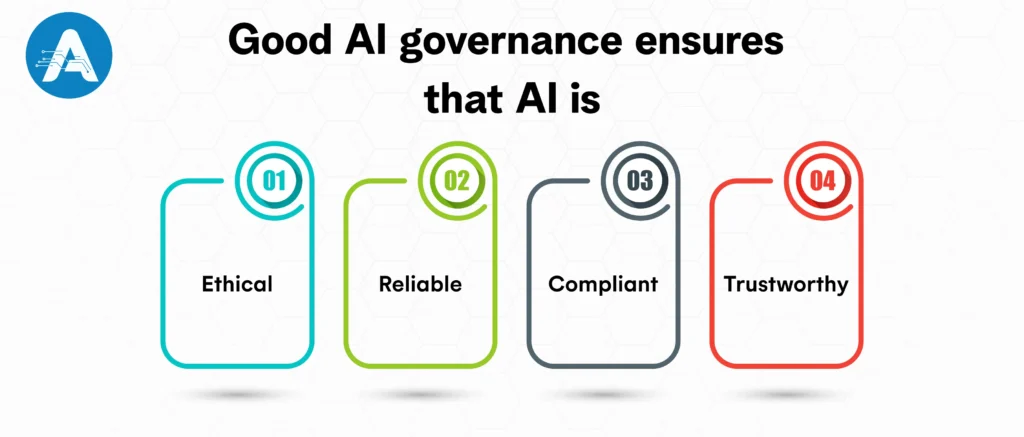
- Ethical – treats everyone fairly and reduces bias
- Reliable – delivers accurate and consistent results
- Compliant – follows laws and regulations
- Trustworthy – builds confidence among teams, customers, and stakeholders
For example, while working with a fintech startup on an AI-based loan approval system, early testing showed the model was rejecting qualified applicants due to hidden data bias. By introducing AI governance early, false rejections were reduced by 30%, and trust was built with both customers and regulators.
In short, with the right governance in place, businesses can innovate with confidence knowing their AI systems are responsible, transparent, and built for long-term success.
You may also want to know about ERP AI Chatbots
How to Build an Artificial Intelligence: Step-by-Step Guide
This step-by-step guide explains how to build an artificial intelligence system, from planning and data preparation to model development and deployment. It helps businesses and beginners understand the AI building process clearly and practically.
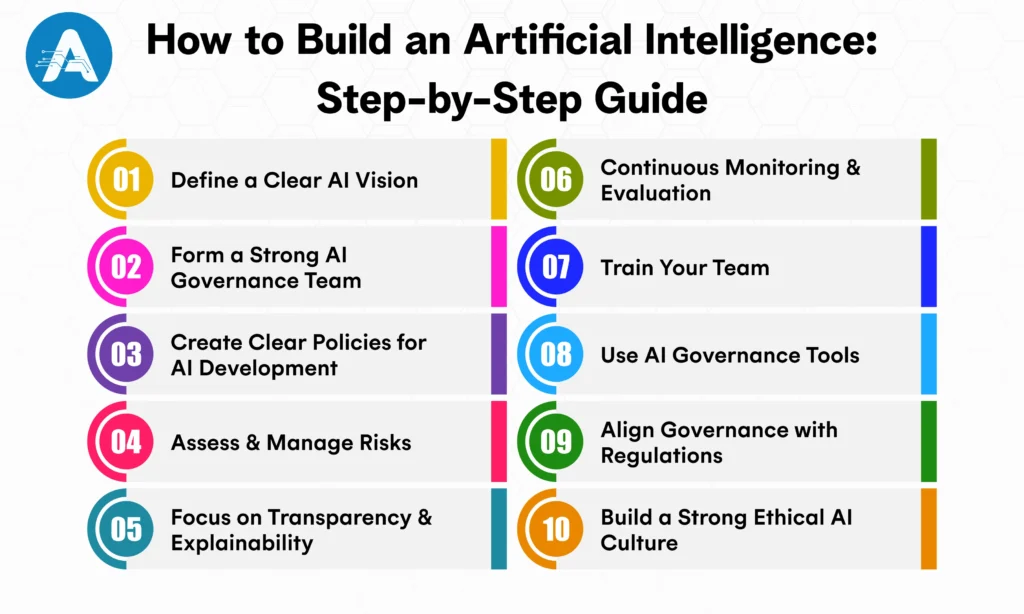
Step 1: Define a Clear AI Vision
Before you build an artificial intelligence, you need a clear purpose. Ask yourself:
- What problem do you want your AI to solve?
- What ethical values will guide your AI decisions?
- How will you measure AI success?
For example, a healthcare company wanted to build an AI system for patient diagnosis. Their vision was clear and practical: AI should support doctors, not replace them, while ensuring safety, transparency, and fairness.
Tips to define your AI vision:
- Make sure your AI supports your business goals
- Involve people from different teams early
- Keep ethics at the center while building AI
Step 2: Form a Strong AI Governance Team
To successfully build an AI model, you need the right people guiding it. Your AI governance team should include:
- Ethics officers to ensure fairness and responsible AI building
- Data scientists to develop and monitor AI models
- Legal experts to manage compliance and regulations
- Business leaders to align AI building with strategy
Example: A fintech company built an AI model for loan approvals. By involving legal, ethics, and business teams, they reduced bias and built customer trust.
Step 3: Create Clear Policies for AI Development
Policies are the foundation of build an artificial intelligence. They define how your AI is built, deployed, and managed. Focus on:
- Data policies: Ensure data quality, privacy, and governance
- Model policies: Set standards for accuracy, fairness, and explainability
- Deployment policies: Plan monitoring, updates, and rollback strategies
- Risk policies: Identify and manage AI risks and failures
For example, when a retail company decided to build an AI app for personalized marketing, clear policies helped prevent bias and protect customer trust. This approach made their AI building process ethical, transparent, and effective.
Step 4: Assess and Manage Risks
AI systems are not perfect, and failures can happen. Risk management helps protect the business from unexpected issues.
- Identify risks such as bias, inaccurate results, and security gaps
- Assess impact on finances, reputation, and daily operations
- Reduce risks through human review, regular audits, and backup processes
For example, Uber’s AI-based pricing system once caused unfair surge pricing. Strong governance and risk controls could have reduced customer backlash and reputational damage.
Step 5: Focus on Transparency and Explainability
AI should not work like a black box. When AI decisions are clear and understandable, trust naturally increases.
- Use models that are easier to interpret whenever possible
- Keep records of AI decisions and actions
- Use dashboards to track performance and fairness
For example, in healthcare, explainable AI helps doctors understand why a patient is marked as high risk, making AI decisions more reliable and accepted.
Step 6: Continuous Monitoring and Evaluation
AI systems change over time, so governance must be ongoing.
- Monitor accuracy, bias, and performance changes
- Update AI models with fresh and relevant data
- Regularly review ethical impact and business outcomes
For example, Companies like Netflix continuously monitor recommendation systems to ensure content remains relevant and fair, showing how AI can be managed responsibly.
Step 7: Train Your Team
AI governance works best when employees understand how AI systems function and make decisions.
Training should focus on:
- Ethical use of AI
- Understanding AI outputs
- Reporting errors, bias, or unexpected behavior
For example, Organizations that invest in AI training often see better adoption and fewer mistakes because employees become active contributors to responsible AI use.
Step 8: Use AI Governance Tools
Technology plays an important role in managing AI governance.
- Track AI model versions and data sources
- Check systems for bias and fairness
- Monitor performance and compliance
For example, AI governance tools from leading technology providers help make build an artificial intelligence safer, clearer, and more controlled.
Step 9: Align Governance with Regulations
AI regulations are evolving quickly, and businesses must stay prepared.
- Follow major AI laws and guidelines, such as the EU AI Act, which focuses on risk assessment for high-risk AI systems
- Pay attention to regulations like the US Algorithmic Accountability Act that promote fairness and transparency
- Build compliance into AI governance from the start instead of handling it at the last moment
For example, when governance and compliance work together, organizations can avoid legal risks and move forward with confidence.
Step 10: Build a Strong Ethical AI Culture
AI governance goes beyond policies and processes. It is also about building the right mindset across the organization.
Encourage teams to think critically and ask simple but important questions:
- Is this AI decision fair and unbiased?
- Could it negatively affect users or customers?
- Who is responsible for the outcome of this AI decision?
For example, A strong ethical culture supports technical governance and helps build long-term trust in AI systems.
The Role of AI Governance in the Building of AI
For an AI development company, AI governance guides the building of AI by setting clear rules for responsible and ethical development. It helps reduce risks, improve transparency, and ensure AI systems are trustworthy.
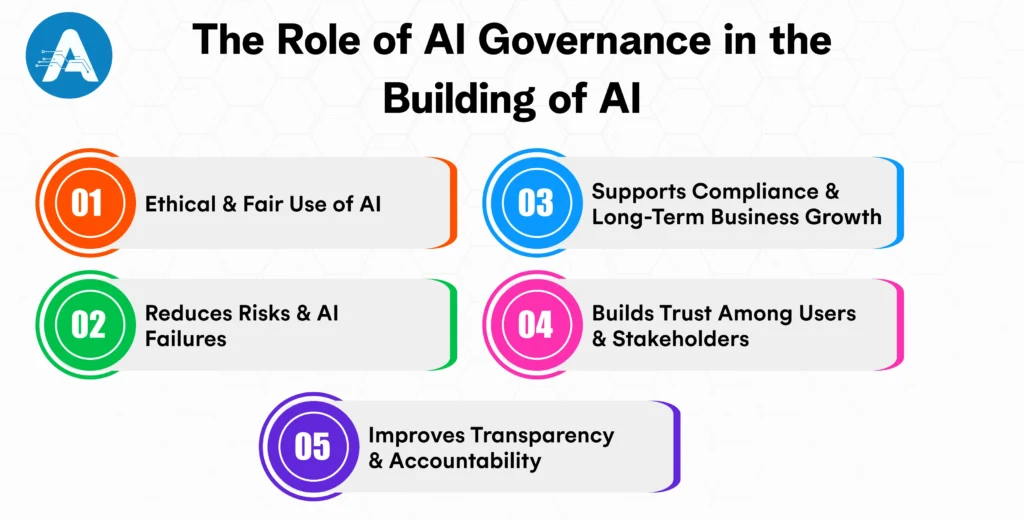
Ethical and Fair Use of AI
An AI governance framework helps ensure that AI systems treat everyone fairly. It reduces the risk of bias, discrimination, and unfair outcomes by establishing clear rules for data use, model design, and decision-making. This is especially important in areas like hiring, lending, healthcare, and customer service, where AI decisions can directly affect people’s lives.
Reduces Risks and AI Failures
AI governance helps identify and manage risks such as incorrect predictions, system failures, data misuse, or security issues. By implementing controls, reviews, and monitoring, organisations can identify problems early and prevent costly mistakes that could impact operations or brand image.
Supports Compliance and Long-Term Business Growth
AI regulations are increasing worldwide. An AI governance framework helps organizations stay compliant with current and future laws while aligning AI initiatives with business goals and values. This allows companies to innovate safely, scale AI faster, and gain a long-term competitive advantage.
Builds Trust Among Users and Stakeholders
Trust is critical for AI adoption. When AI systems are governed properly, customers, employees, and partners feel more confident using them. Governance ensures transparency, clear ownership, and responsible use of AI, which strengthens trust and protects the organization’s reputation.
Improves Transparency and Accountability
With a governance framework, AI decisions are easier to understand and explain. It clearly defines who is responsible for AI outcomes and how decisions are made. This transparency makes it easier to review AI behavior, handle complaints, and ensure accountability across teams.
Principles for How to Build an AI with Strong Governance
AI application development services should focus on building solutions that are ethical, transparent, and aligned with business goals. Strong governance ensures data privacy, fairness, and human oversight throughout the AI development lifecycle. This approach builds trust, reduces risk, and enables responsible, scalable AI adoption.
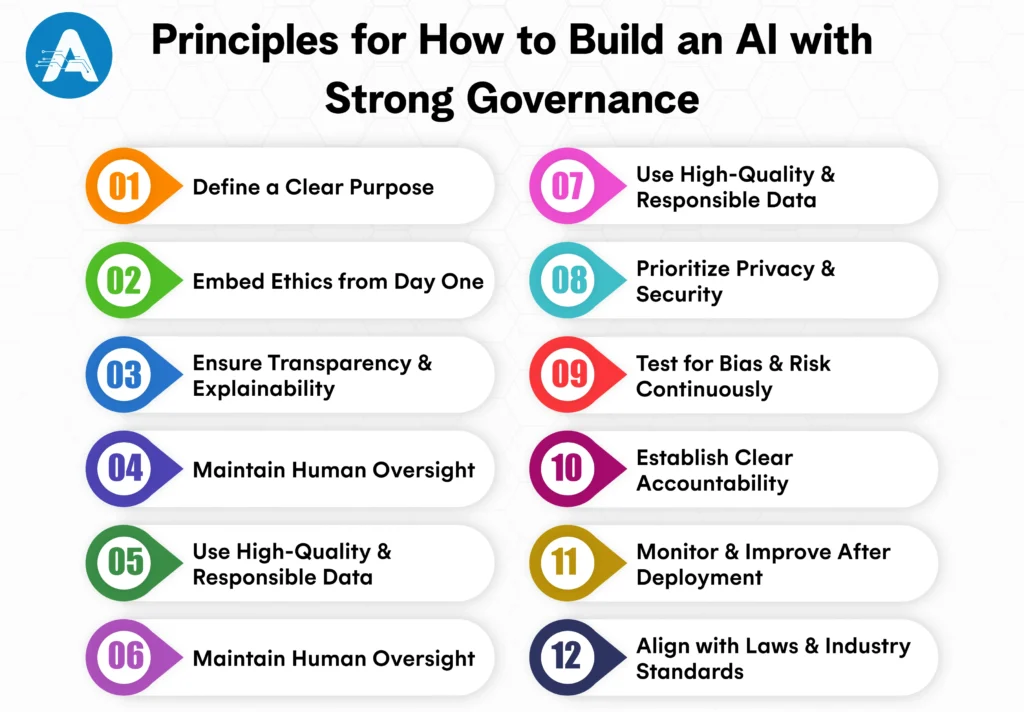
Define a Clear Purpose
When building an AI system, it is important to start with a clearly defined purpose. The AI should address a specific business or user problem and support meaningful outcomes. Its goals must align with organizational values and ethical standards. A well-defined purpose helps guide development decisions and prevents misuse or unnecessary complexity.
Embed Ethics from Day One
Ethics should be integrated into AI development from the very beginning, not added later. Fairness, inclusivity, and responsible decision-making must guide data selection and model design. Addressing ethical risks early helps reduce bias and builds trust. This approach ensures the AI system behaves responsibly throughout its lifecycle.
Ensure Transparency and Explainability
AI systems should be designed so their decisions can be understood by users and stakeholders. Transparency helps explain how outcomes are generated and why certain decisions are made. This is especially important in high-impact areas such as healthcare or finance. Explainable AI builds confidence and strengthens governance.
Maintain Human Oversight
AI should assist human decision-making rather than replace accountability. Clear processes must be in place for human review and intervention when needed. Critical decisions should always involve human judgment. This ensures ethical control and prevents over-reliance on automated systems.
Use High-Quality and Responsible Data
The effectiveness of AI depends heavily on the quality of data used. Data should be accurate, unbiased, and collected through legal and ethical means. Poor-quality or biased data can lead to unreliable and unfair outcomes. Responsible data practices are essential for strong AI governance.
Prioritize Privacy and Security
Protecting user data must be a top priority when building AI systems. Privacy-by-design principles should be embedded throughout the development process. Strong security measures help prevent data breaches and misuse. Compliance with data protection regulations further strengthens trust and governance.
Test for Bias and Risk Continuously
AI governance does not end after deployment. Regular testing is required to identify bias, performance issues, and emerging risks. As data and usage patterns change, models must be reassessed and improved. Continuous evaluation ensures the AI remains fair, reliable, and safe.
Establish Clear Accountability
Clear ownership of AI systems is essential for effective governance. Organizations must define who is responsible for AI decisions, performance, and failures. Accountability ensures quicker issue resolution and better risk management. It also reinforces trust among users and stakeholders.
Monitor and Improve After Deployment
Once deployed, AI systems must be continuously monitored to ensure consistent performance. Changes in data or environment can impact accuracy and fairness. Regular updates and improvements help maintain alignment with governance standards. Ongoing monitoring supports long-term success.
Align with Laws and Industry Standards
AI systems must comply with applicable laws, regulations, and industry guidelines. Legal alignment reduces operational and reputational risks. Industry standards also promote ethical and responsible AI use. Compliance helps organizations build trust and scale AI solutions confidently.
The Future of AI Governance in Build an Artificial Intelligence
The future of AI governance will focus on balancing innovation with responsibility as AI becomes central to business and society. Governments and organizations will introduce clearer regulations, global standards, and ethical frameworks to support safe and responsible AI development without limiting growth.
AI governance will increasingly prioritize transparency, explainability, and accountability, especially when building high-risk AI systems. Organizations will be expected to clearly document how AI models are built, trained, and deployed. Regular audits and impact assessments will become a standard part of AI application development services.
Another major shift will be toward continuous and automated AI governance. Instead of one-time compliance checks, businesses will use monitoring tools to track bias, security, and performance in real time. This ensures AI systems remain compliant, fair, and reliable as they evolve.
Overall, the future of AI governance will be more human-centric and collaborative. Strong human oversight, cross-functional teams, and cooperation between regulators, developers, and businesses will be essential. This approach will build trust, enable responsible AI adoption, and support long-term, sustainable AI growth.
Reasons to Choose Artoon Solutions for Your AI Governance Needs
Partnering with Artoon ensures a structured and reliable approach when you build an artificial intelligenceor work on AI projects. Artoon combines deep expertise in AI development with strong governance frameworks, helping organizations reduce risks, ensure ethical practices, and maintain transparency throughout the AI lifecycle.
Moreover, with Artoon, businesses can confidently build an AI, knowing that every model, app, or system follows best practices for compliance, accountability, and performance. From designing AI solutions to monitoring and improving them, Artoon provides the guidance and tools needed for safe, trustworthy, and scalable AI.
Furthermore, choosing Artoon for AI governance ensures your AI initiatives are not only innovative but also aligned with business goals, ethical standards, and regulatory requirements, turning AI projects into long-term value for your organization.
Wrapping Up
AI governance is no longer optional; it is a critical part of building responsible and successful AI systems. A strong governance framework helps reduce risks, improve transparency, and ensure AI solutions remain ethical, reliable, and aligned with business goals. It also builds trust among users, customers, and stakeholders while supporting long-term growth.
By embedding governance into every stage of AI development, organizations can innovate with confidence. The right approach to AI governance ensures that artificial intelligence is not only powerful but also safe, compliant, and built for long-term success.
As businesses grow, managing day-to-day operations becomes increasingly complex. Finance, HR, inventory, sales, and customer data are often scattered across multiple systems, making it difficult to access the right information at the right time. To overcome this challenge, many organizations rely on enterprise resource planning (ERP) systems to bring all critical business functions onto a single platform.
However, even the most advanced ERP platforms often feel powerful yet complicated. Users struggle with complex dashboards, slow data retrieval, and inefficient workflows, which can limit adoption and productivity. At the same time, today’s fast-moving digital world demands instant responses, real-time insights, and seamless access to information for customers, employees, and leadership teams alike.
This is where an ERP AI Chatbot becomes a true game-changer. By combining artificial intelligence with ERP systems, these chatbots simplify how users interact with enterprise data. Instead of navigating multiple screens and reports, users can simply ask questions and receive accurate, real-time answers, making ERP systems more intuitive, responsive, and business-friendly.
According to 2025 industry research, over 70% of ERP vendors have integrated AI-enabled capabilities, highlighting the rapid adoption of intelligent technologies in ERP platforms. Businesses that utilize AI-powered ERP Chatbot tools can make decisions more quickly and work more efficiently, as they receive information faster. Many organizations are also utilizing chatbots for everyday internal tasks, making ERP systems easier and more natural to use.
In this blog, we will explore how ERP chatbot works, why they matter for modern enterprises, and how they are reshaping the way businesses interact with enterprise resource planning systems to operate smarter and faster.
Understanding ERP in the Modern Business Environment
Before understanding how chatbots transform ERP systems, it is important to first understand what an ERP system is and why it matters in today’s business environment.
An enterprise resource planning (ERP) system is the backbone of an organization. It integrates core business processes such as finance, human resources, supply chain, inventory, procurement, sales, and customer management into one centralized platform. The primary goal of ERP software is to eliminate data silos, reduce manual work, and enable smoother, more efficient operations across departments.
Whether a business uses ERP software to manage payroll, track inventory, process invoices, or forecast demand, the objective remains the same: centralized data, better visibility, and streamlined decision-making. With the rise of online ERP software and cloud-based ERP systems, organizations can now access critical business information anytime and from anywhere.
You may also want to know the Best AI Companies
User Experience Challenges in Traditional ERP Platforms
Despite their power, many ERP platforms are often perceived as complex and difficult to navigate. Employees may need extensive training just to perform simple tasks like checking reports or retrieving basic data. Even experienced users can find daily ERP interactions time-consuming.
Some common challenges include:
- Interfaces that are difficult to understand and navigate
- Too many screens are required to find a single piece of information
- Reliance on IT teams for simple reports and routine queries
- Delays in accessing real-time, actionable insights
As businesses grow and operations become more dynamic, these limitations can slow productivity and reduce overall ERP adoption. This is why ERP systems must evolve to become more user-friendly and responsive.
The Rise of ERP AI Chatbots
An ERP AI Chatbot is an intelligent virtual assistant developed using advanced AI application development services that connects directly with an enterprise resource planning system. Instead of navigating multiple dashboards and modules, users can interact with the ERP platform through simple, conversational language, making everyday tasks faster and easier.
Just like messaging apps or voice assistants used in daily life, ERP AI chatbots bring the same level of simplicity to ERP online systems. With the support of AI application development services, users can ask routine questions about sales performance, overdue invoices, inventory availability in a specific warehouse, or payroll status and receive instant, accurate answers. The chatbot understands each request, retrieves real-time data from the ERP system, and delivers responses seamlessly without the need to switch between different ERP modules.
ERP AI Chatbot Categories for Business Operations
ERP AI chatbots can be grouped into several types based on how businesses use them within enterprise resource planning systems.
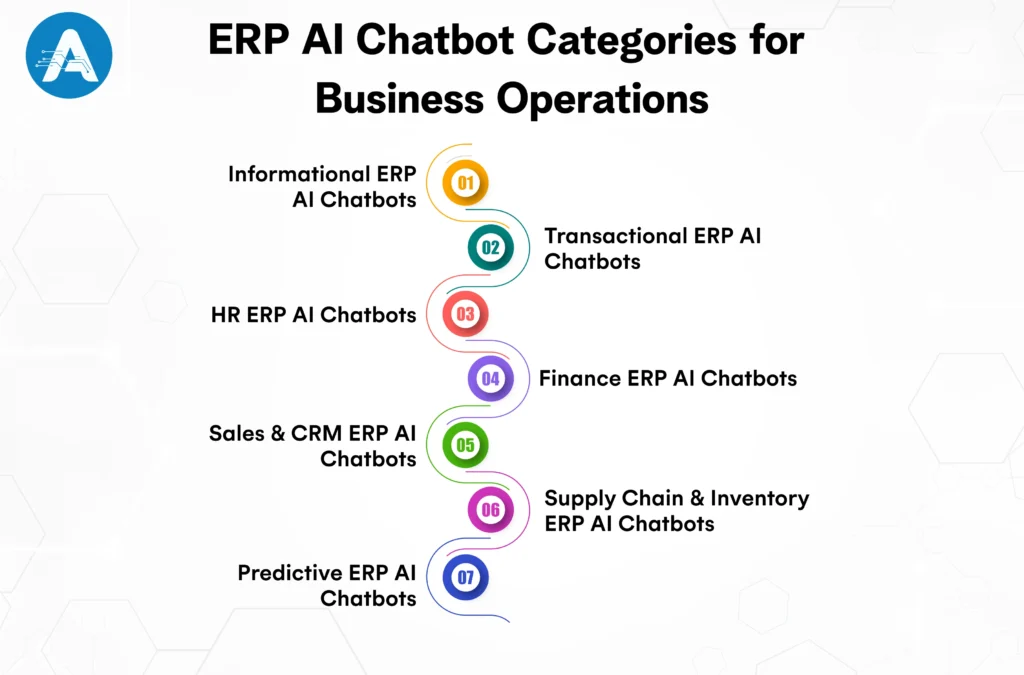
Informational ERP AI Chatbots
These chatbots answer common ERP questions by providing real-time data from finance, HR, sales, inventory, and procurement modules.
Transactional ERP AI Chatbots
These chatbots allow users to complete ERP tasks through chat, such as creating purchase orders, approving requests, or updating records.
HR ERP AI Chatbots
These chatbots support HR activities like payroll inquiries, leave balance checks, attendance tracking, and employee onboarding.
Finance ERP AI Chatbots
Designed for accounting teams, these chatbots help track invoices, payments, budgets, and financial reports directly from the ERP system.
Sales and CRM ERP AI Chatbots
These chatbots provide instant access to customer details, order status, pricing, and sales performance data.
Supply Chain and Inventory ERP AI Chatbots
Used in operations and logistics, these chatbots show stock levels, warehouse availability, order tracking, and supplier information.
Predictive ERP AI Chatbots
Advanced ERP AI chatbots use historical ERP data to deliver forecasts, trends, and insights for smarter planning and decision-making.
Essential Features of ERP AI Chatbots for Businesses
An Artificial Intelligence app development company plays a crucial role in building ERP AI chatbots that align with business goals and integrate seamlessly with enterprise systems. These chatbots combine intelligent automation, real-time ERP data access, and secure workflows to help organizations improve efficiency, decision-making, and overall system usability.
- Natural language understanding: Allows interaction with ERP systems using simple, conversational language instead of technical commands or complex queries.
- Real-time ERP data access: Retrieves live information from finance, HR, sales, inventory, and other ERP modules without delays.
- Multi-module integration: Connects seamlessly with multiple ERP modules to deliver a unified and consistent view of business data.
- Task and transaction execution: Enables actions like approvals, record updates, request creation, and submissions directly through chat.
- Role-based access control: Ensures secure ERP usage by allowing access only to data and actions permitted by assigned roles.
- AI-driven insights and recommendations: Analyze ERP data to identify trends, exceptions, and insights that support better business decisions.
- 24/7 availability provides: Uninterrupted access to ERP information and support, regardless of time or location.
- Omnichannel support: Works across web platforms, mobile devices, and collaboration tools for flexible ERP access.
- Scalability and customization: Adapt easily to business growth and can be tailored to specific ERP workflows and requirements.
- Secure and compliant framework: Maintains data security, audit logs, and compliance with enterprise standards and regulations.
How ERP AI Chatbots Make ERP Systems Easier to Use
ERP AI chatbots act as a bridge between users and complex ERP platforms. They do not replace ERP systems but enhance them by making interactions simpler and more intuitive. By enabling conversational access to ERP data, these chatbots reduce the effort required to navigate dashboards and reports, allowing faster access to critical business information.
This approach offers key advantages that benefit businesses in the following ways:
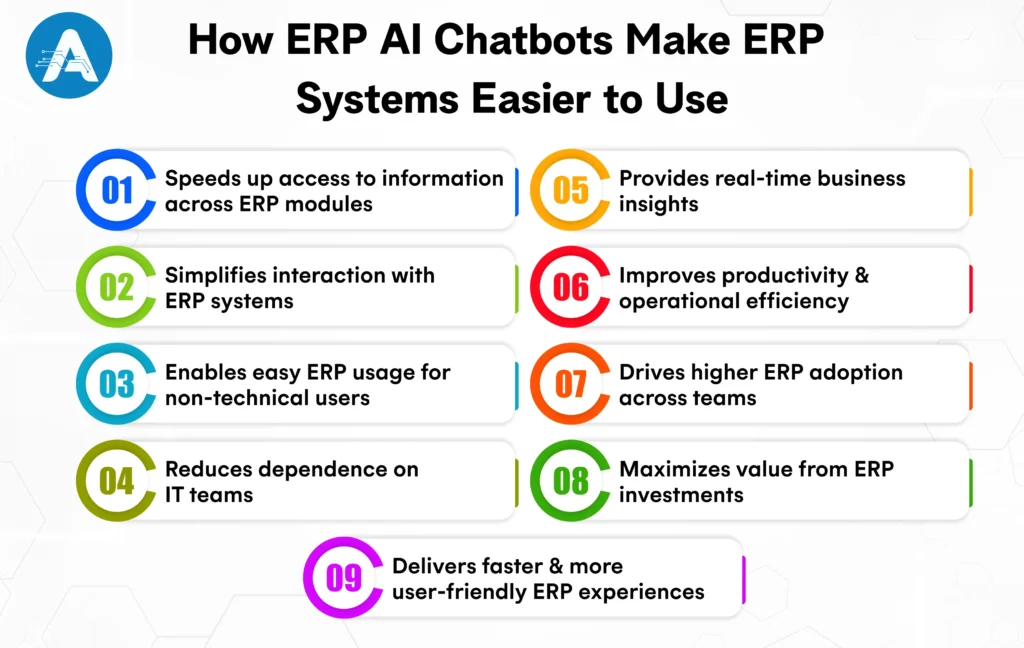
- Speeds up access to information across ERP modules: Users can quickly retrieve data from finance, HR, sales, and inventory without navigating multiple screens or reports.
- Simplifies interaction with ERP systems: Conversational access reduces interface complexity and makes daily ERP tasks easier to perform.
- Enables easy ERP usage for non-technical users: ERP functions can be accessed without extensive training or deep technical knowledge.
- Reduces dependence on IT teams: Routine data queries and report generation can be handled directly without IT involvement.
- Provides real-time business insights: Instant access to live data supports quicker and more informed business decisions.
- Improves productivity and operational efficiency: Less time spent on system navigation allows teams to focus on higher-value work.
- Drives higher ERP adoption across teams: Simpler access encourages regular usage across departments and roles.
- Maximizes value from ERP investments: Better usability ensures organizations fully leverage their enterprise resource planning systems
- Delivers faster and more user-friendly ERP experiences: This is especially valuable for businesses using cloud-based ERP systems where speed and accessibility matter most.
For example, imagine a retail company that relies on an ERP online system to track inventory and sales performance.
Without an ERP AI chatbot, managers spend valuable time navigating multiple screens and exporting reports just to get basic insights. This slows down decision-making and increases day-to-day operational effort.
With an ERP AI chatbot, the same information is available through simple, conversational queries. Teams can access real-time data faster, reduce manual work, and focus more on important business priorities.
As a result, everyday operations become smoother and more efficient.
How to Develop an ERP AI Chatbot for Businesses
Developing an ERP AI chatbot involves integrating artificial intelligence with enterprise resource planning systems to create a seamless, efficient, and user-friendly conversational interface. An experienced AI application developer can help design, build, and integrate the chatbot seamlessly with your ERP platform. Below are the key steps involved in the development process.
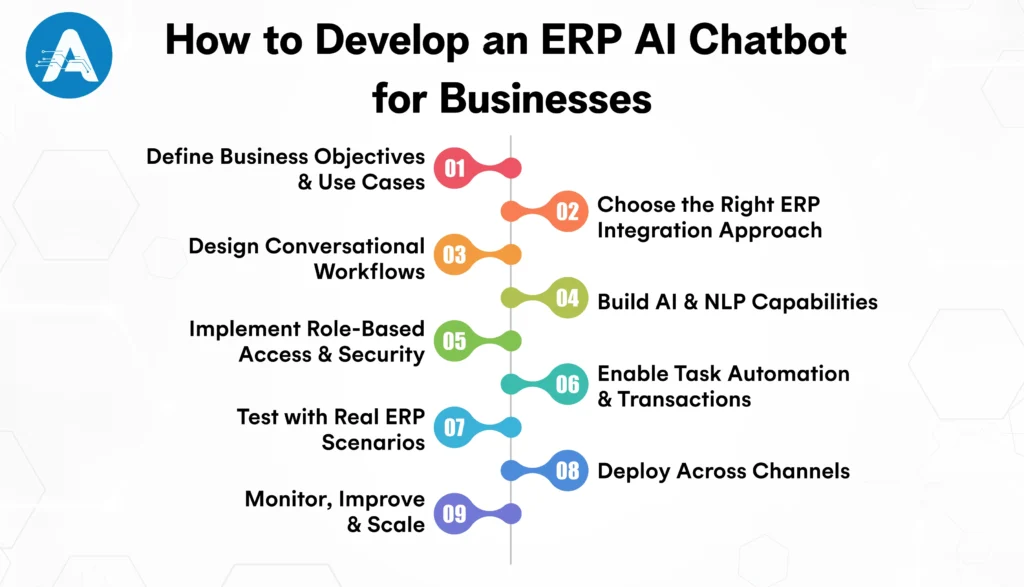
1. Define Business Objectives and Use Cases
Start by identifying what the ERP AI chatbot should achieve. Common use cases include answering ERP queries, generating reports, automating approvals, or handling HR and finance requests. Clear objectives ensure the chatbot aligns with business needs.
2. Choose the Right ERP Integration Approach
The chatbot must connect securely with the ERP system using APIs or middleware. A skilled AI application developer ensures real-time access to ERP modules such as finance, HR, inventory, sales, and procurement without disrupting existing workflows.
3. Design Conversational Workflows
Create simple, intuitive conversation flows that mirror actual business questions. The chatbot should understand natural language queries and guide users smoothly through ERP-related tasks.
4. Build AI and NLP Capabilities
Implement natural language processing (NLP) and machine learning to help the chatbot accurately understand user intent, context, and variations in questions. This ensures precise data retrieval and meaningful interactions.
5. Implement Role-Based Access and Security
Ensure the ERP AI chatbot respects ERP user roles and permissions. This step protects sensitive business data and maintains compliance across departments.
6. Enable Task Automation and Transactions
Configure the chatbot to perform actions such as approvals, record updates, request creation, and status checks, in addition to providing instant answers to queries.
7. Test with Real ERP Scenarios
Conduct thorough testing using real-world ERP queries and workflows. This step validates accuracy, performance, and security before deployment.
8. Deploy Across Channels
Make the ERP AI chatbot accessible on web portals, mobile apps, and collaboration platforms to provide easy access for all teams.
9. Monitor, Improve, and Scale
Continuously monitor the chatbot’s performance, refine responses based on user feedback, and expand features as business needs evolve to ensure the ERP AI chatbot remains effective and up to date.
How ERP AI Chatbots Are Shaping the Future
The future of ERP AI chatbots is looking very promising as AI technology keeps improving and business needs keep changing. These chatbots will become smarter, more proactive, and easier to use, helping teams get insights faster. They will also automate routine tasks, personalize responses for different users, and work seamlessly with cloud ERP systems.
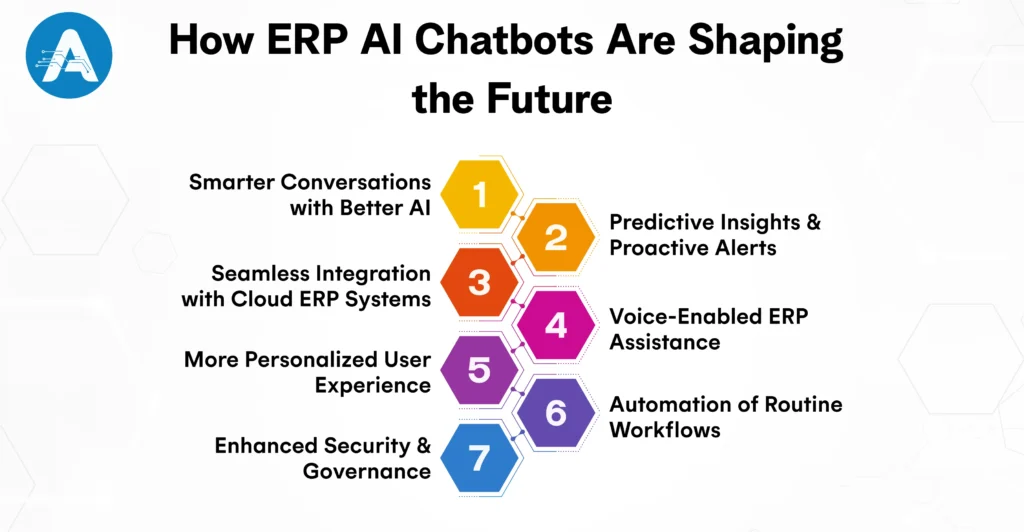
Smarter Conversations with Better AI
ERP chatbots will become even more intelligent, understanding complex questions and context more accurately. Instead of simple replies, they will offer deeper insights, predictions, and suggestions.
Predictive Insights and Proactive Alerts
Rather than waiting for you to ask, future chatbots will proactively surface important insights, such as warnings about low inventory, cash flow issues, or upcoming deadlines, before you even notice them.
Seamless Integration with Cloud ERP Systems
As more businesses move to cloud-based ERP systems, chatbots will work more smoothly with mobile and remote workflows. You’ll be able to get updates and take action from anywhere, anytime.
Voice-Enabled ERP Assistance
Voice control is becoming more common in everyday tools. Soon, you may be able to talk to your ERP AI chatbot just like you talk to a voice assistant, making data access even faster and hands-free.
More Personalized User Experience
Chatbots will learn individual user habits and preferences, tailoring responses based on roles, past behavior, and work patterns. For example, a finance manager and supply chain lead will get different insights based on what they need most.
Automation of Routine Workflows
Beyond answering questions, future ERP AI chatbots will automate simple workflows, like approving purchase requests, creating invoices, or scheduling tasks, saving even more time.
Enhanced Security and Governance
As chatbots become more capable, they will also come with stronger security features, ensuring sensitive ERP data remains protected while enabling flexible access.
What makes Artoon the best choice for your ERP AI chatbot?
When it comes to choosing a partner for your best ERP AI chatbot, you want more than just technical expertise. You need a team that understands your business, your processes, and your goals. Artoon combines deep knowledge of enterprise resource planning systemswith advanced AI and natural language capabilities, ensuring your ERP AI chatbot works seamlessly with your workflows and delivers accurate, actionable insights.
Our AI experts create custom solutions that fit your industry, your data, and your needs, whether you are using cloud-based ERPsystemsor anonline ERP software platform. Our focus is on making your life easier by designing chatbots that are intuitive and simple to use, helping your team get answers quickly, reduce repetitive work, and increase adoption.
Moreover, you will see measurable results such as faster access to insights, reduced manual effort, and improved operational efficiency. Security and reliability are a priority, protecting your sensitive ERP data with enterprise-grade safeguards while providing ongoing support to help your chatbot evolve as your business grows. This ensures that your ERP AI chatbot becomes a strategic tool for smarter business operations and a true partner in your success.
If you are looking for the right partner to implement your ERP AI chatbot, contact the services of Artoon and take the first step toward smarter business operations.
Keeping up with fast-changing technology isn’t easy. Every day, businesses face new challenges, from understanding customers to predicting trends and improving operations. That’s where AI comes in. It helps solve problems, boost growth, and create opportunities that were impossible before.
This guide is for you, whether you are a software engineer exploring exciting AI possibilities, a machine learning enthusiast who wants to make a real difference, or a product manager with big ideas looking to shape the future of technology. We’ll introduce you to the best AI companies to work for and collaborate with in 2026, where ideas grow, and learning goes on.
These are companies where your work matters, you can learn and grow, and you get to be part of exciting AI projects.
Why AI Companies Are Shaping the Future
AI is not just the future; it is shaping the way businesses operate today, from healthcare to finance to entertainment. Joining a top AI development company lets you create technologies that:
- Take care of routine tasks so people can focus on more important work
- Help businesses make smarter decisions and predictions
- Create personalized experiences that were not possible before
- Build systems that can learn and improve on their own
With the AI market growing fast by 2026, you will have more opportunities to grow your career and make a real difference.
Benefits of Working at Top AI Companies
Working at the best AI companies gives you the chance to grow, learn, and make a real impact. Here are the reasons why these companies stand out:
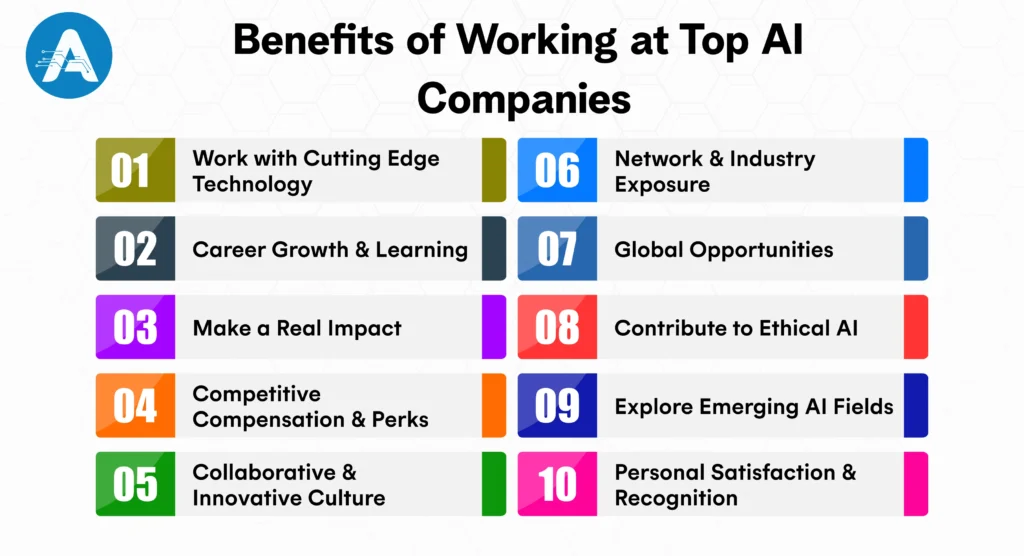
1. Work with Cutting Edge Technology
You get hands-on experience with advanced AI tools and frameworks. At OpenAI, employees build models used by millions every day.
2. Career Growth and Learning
Top AI development companies invest in your development through mentorship, certifications, conferences, and opportunities to explore different roles.
3. Make a Real Impact
Your work impacts real people in healthcare, finance, entertainment, and beyond, yielding tangible results that matter.
4. Competitive Compensation and Perks
You can expect high salaries, stock options, flexible work arrangements, wellness programs, and more.
5. Collaborative and Innovative Culture
Teams are diverse and cross-functional, fostering creativity, experimentation, and mutual learning.
6. Network and Industry Exposure
Work with AI leaders, attend global conferences, and contribute to research or open-source projects.
7. Global Opportunities
Top AI companies have offices around the world and offer remote work, giving exposure to international projects and teams.
8. Contribute to Ethical AI
Companies like Anthropic focus on responsible AI, allowing you to participate in projects that are fair, transparent, and socially beneficial.
9. Explore Emerging AI Fields
You can be part of the next generation of AI, such as generative AI, autonomous systems, and quantum AI, gaining experience in exciting new areas.
10. Personal Satisfaction and Recognition
Your work is meaningful, visible, and valued, whether improving healthcare, business operations, or everyday tools.
You may also want to know Data Annotation
Top 10 AI Development Companies
Top AI Companies to Work For in 2026 excel in AI application development services, offering opportunities to create innovative solutions in machine learning, NLP, and automation. Let’s explore the top companies shaping the future of AI.
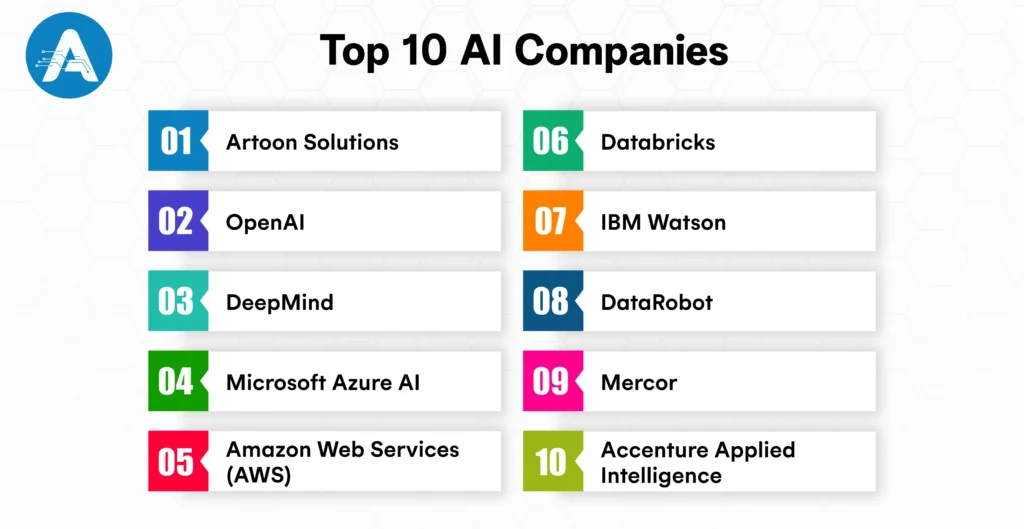
1. Artoon.ai
Overview:
If you are looking to work on AI projects that directly impact businesses, Artoon is a great choice. Known for expertise in machine learning, automation, and predictive analytics, they create intelligent solutions that transform operations for clients worldwide.
How Artoon Solutions Can Help You in AI
- Smart AI Applications: Build scalable AI solutions for web and mobile that solve real business problems.
- Machine Learning and Automation: Work on machine learning models, predictive analytics, and automation tools that drive efficiency.
- Custom AI Solutions: Develop tailored AI tools designed to meet specific client needs and challenges.
Why You Will Enjoy Working Here
- Collaborative Culture: Work in an environment that encourages innovation and teamwork.
- Impactful Projects: Contribute to AI solutions that directly improve client outcomes.
- Dynamic Environment: Be part of a fast-moving, engaging workplace where your work matters.
What Sets Artoon Solutions Apart in 2026:
Artoon Solutions offers a dynamic workspace where your contributions matter. You get hands-on experience solving real business problems, making it a top choice for professionals seeking growth and impact.
2. OpenAI
Overview:
If you are excited about cutting-edge AI research and innovation, OpenAI is one of the top AI companies globally. They create breakthrough AI systems that help millions of people and businesses every day.
How OpenAI Can Help You in AI:
- Generative AI Models: Work with text, code, and image generation systems.
- Natural Language Processing (NLP): Build tools that understand and generate human language.
- Ethical AI Practices: Ensure AI solutions are safe, responsible, and impactful.
Why You Will Enjoy Working Here:
- Innovative Environment: Feels like a research lab and a startup combined.
- Collaborative Culture: Work with some of the brightest minds in AI.
- Global Impact: Your contributions reach millions of users worldwide.
Why OpenAI Stands Out in 2026:
If you want to push the boundaries of AI while contributing to responsible innovation, OpenAI gives you the tools and environment to make a lasting impact.
3. DeepMind
Overview:
For those passionate about solving scientific and real-world problems with AI, DeepMind is a top choice. A subsidiary of Google, they are known for groundbreaking projects like AlphaGo and AlphaFold.
How DeepMind Can Help You in AI:
- Scientific AI Research: Tackle complex challenges in neuroscience, ML, and cognitive sciences.
- Long-Term Innovation: Work on projects that aim to change the world.
- Ethical AI Development: Contribute to responsible AI research and deployment.
Why You Will Enjoy Working Here:
- Exciting Challenges: Work on problems that could transform industries and science.
- Collaborative Teams: Interdisciplinary collaboration with leading researchers.
- Cutting-Edge Projects: Be part of innovative AI breakthroughs.
Why DeepMind Stands Out in 2026:
DeepMind is ideal if you want a career that combines research, innovation, and real-world impact, solving puzzles that truly matter.
4. Microsoft Azure AI
Overview:
If you want to bring AI into everyday business, Microsoft Azure AI offers enterprise-level tools and services that help organizations innovate and achieve real results.
How Azure AI Can Help You:
- Cloud AI Services: Build scalable AI solutions on Azure.
- Integration Tools: Use tools like GitHub Copilot for AI-enhanced workflows.
- Enterprise Applications: Deploy AI solutions that impact businesses globally.
Why You Will Enjoy Working Here:
- Real-World Impact: See your solutions reduce costs or improve efficiency.
- Supportive Environment: Learn and grow with structured mentorship.
- Scalable Projects: Work on tools that serve enterprises worldwide.
Why Azure AI Stands Out in 2026:
Microsoft Azure AI lets you apply your AI skills to real business challenges, helping companies innovate and achieve measurable results.
5. Amazon Web Services (AWS)
Overview:
AWS is a leader in cloud infrastructure and AI services, helping companies of all sizes scale AI from prototypes to production.
How AWS Can Help You in AI:
- End-to-End AI Tools: Deploy models in NLP, computer vision, and robotics.
- Cloud Infrastructure: Scale your AI projects efficiently.
- Global Impact: Solve real-world problems with technology used worldwide.
Why You Will Enjoy Working Here:
- Ownership Culture: Build, deploy, and see your AI solutions in action.
- Diverse Teams: Collaborate on projects across industries and disciplines.
- Fast-Paced Environment: Take on meaningful responsibilities from day one.
Why AWS Stands Out in 2026:
If you want to work where your AI projects have real global impact, AWS provides the tools, scale, and culture to make it happen.
6. Databricks
Overview:
If you enjoy combining data and AI, Databricks is a leader in unifying analytics and machine learning for real-world applications.
How Databricks Can Help You:
- Data and AI Pipelines: Build end-to-end machine learning workflows.
- Collaboration: Work with partners like Microsoft and AWS.
- Industry Applications: Apply AI in finance, retail, healthcare, and more.
Why You Will Enjoy Working Here:
- Data-Driven Projects: Every project combines analytics with AI.
- Learning Opportunities: Grow your expertise alongside top engineers.
- Meaningful Work: Your work impacts real business decisions.
Why Databricks Stands Out in 2026:
If you want to work at the intersection of data and AI, Databricks gives you the tools and environment to make a measurable difference.
7. IBM Watson
Overview:
For enterprise AI enthusiasts, IBM Watson delivers AI solutions in industries like banking, healthcare, and more, helping companies make smarter decisions.
How IBM Watson Can Help You:
- AI and ML Tools: Computer vision, NLP, and predictive analytics.
- Enterprise Solutions: Deploy AI at scale for large organizations.
- Consulting & Support: Ensure your AI projects are effective and compliant.
Why You Will Enjoy Working Here:
- Structured Growth: Clear paths for learning and career advancement.
- Complex Challenges: Work on critical problems that impact businesses globally.
- Collaborative Teams: Learn from experts in AI and analytics.
Why IBM Watson Stands Out in 2026:
IBM Watson combines experience and innovation, giving you the chance to make AI work for large organizations and tackle meaningful projects.
8. DataRobot
Overview:
DataRobot makes AI accessible through automated machine learning, helping companies deploy models faster and with governance.
How DataRobot Can Help You:
- Automated ML Platforms: Build AI solutions efficiently for business applications.
- Bridge Business and Data Science: Ensure AI aligns with the company strategy.
- Career Growth: Opportunities to expand skills in AI and analytics.
Why You Will Enjoy Working Here:
- Hands-On Work: Apply AI to solve real business problems.
- Impactful Projects: Your work drives measurable results for clients.
- Supportive Environment: Learn from experienced AI professionals.
Why DataRobot Stands Out in 2026:
If you want to see your AI solutions directly improve business outcomes, DataRobot provides the tools and environment to make it happen.
9. Mercor
Overview:
For those interested in AI staffing and learning, Mercor in San Francisco helps match and train AI experts to work on leading projects.
How Mercor Can Help You:
- Expert Matching: Connect with top AI projects.
- Learning Opportunities: Rapidly gain experience in cutting-edge AI work.
- Innovative Culture: Thrive in a fast-paced, collaborative environment.
Why You Will Enjoy Working Here:
- Hands-On Experience: Take on responsibilities early and learn quickly.
- Dynamic Projects: Work across a variety of AI applications.
- Career Growth: Rapid learning and exposure to innovative solutions.
Why Mercor Stands Out in 2026:
If you want fast growth, hands-on AI experience, and exposure to a dynamic ecosystem, Mercor offers the perfect environment.
10. Accenture Applied Intelligence
Overview:
Accenture Applied Intelligence blends AI consulting with real business impact, helping Fortune 500 companies implement AI strategies across industries.
How Accenture Can Help You:
- AI Strategy & Implementation: Work on AI projects for leading organizations.
- Cross-Industry Collaboration: Solve problems in multiple sectors.
- Blend of Technical and Business Skills: Apply AI to real-world challenges.
Why You Will Enjoy Working Here:
- Dynamic Environment: Projects vary across industries, keeping work exciting.
- Learning Opportunities: Collaborate with diverse teams and gain new skills.
- Real Impact: Contribute to AI solutions that transform businesses.
Why Accenture Stands Out in 2026:
If you want to combine technical AI expertise with business problem-solving, Accenture Applied Intelligence lets you work on high-impact projects that make a difference.
These top 10 artificial intelligence companies are leading AI innovation, from research to enterprise solutions. Working with these companies lets you contribute to real-world AI projects that make a global impact.
You may also want to know about ERP AI Chatbots
AI Infrastructure Companies That Power AI
AI is not just about smart algorithms and machine learning models. It also relies heavily on strong infrastructure to run efficiently and at scale. From powerful hardware to cloud platforms and specialized computing systems, the foundation of AI is just as important as the models themselves.
Leading AI infrastructure companies are at the forefront of this space. For example:
- NVIDIA provides powerful GPUs that accelerate AI training and inference, allowing AI application developers to build complex machine learning models faster than ever.
- AWS and Azure AI offer reliable cloud services so businesses and developers can deploy AI solutions at scale without managing physical servers.
- Emerging players like Crusoe and Lambda focus on specialized compute infrastructure, helping AI companies in San Francisco and others run large workloads efficiently and cost-effectively.
Working at AI infrastructure companies means you contribute directly to the performance, scalability, and efficiency of AI systems used worldwide. You get to work on technologies that power both research and real-world projects, from self-driving cars to smart recommendation systems.
If you are excited about building the foundation that makes AI possible, these companies offer incredible opportunities to shape the future of artificial intelligence while gaining hands-on experience with cutting-edge technology.
Why 2026 Is a Big Year for AI Adoption
AI is moving faster than ever, and 2026 is shaping up to be a turning point for businesses across all industries. Companies aren’t just experimenting with AI anymore; they are fully leveraging machine learning, Generative AI, and advanced AI solutions to improve operations, make smarter decisions, and stay ahead of the competition.
For top AI companies, this is a huge opportunity to innovate, grow, and deliver real results. AI is becoming the backbone of modern business, helping organizations enhance customer experiences, automate workflows, and uncover valuable insights.
Here are some key trends making this year critical for AI adoption:
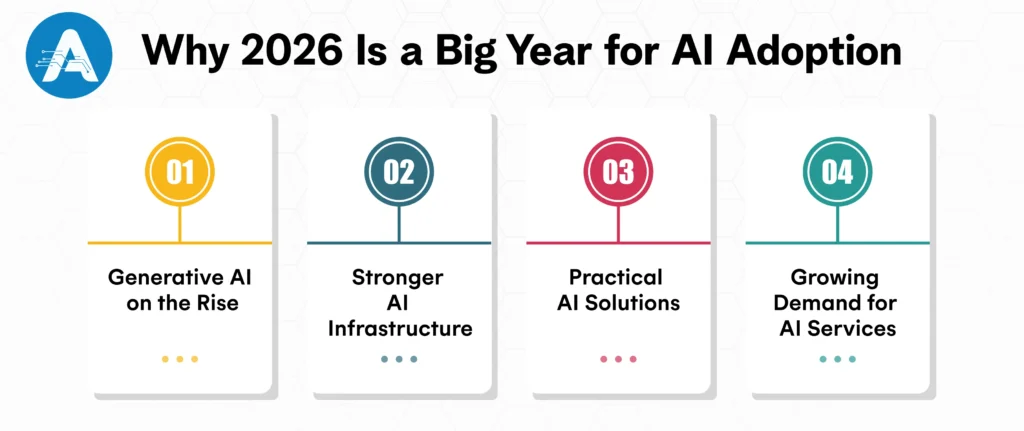
- Generative AI on the Rise: Tools that create text, images, and even code are becoming part of everyday business processes, making work faster and more creative.
- Stronger AI Infrastructure: AI infrastructure companies are helping businesses build reliable and scalable AI systems that can handle real-world demands.
- Practical AI Solutions: AI software development companies and providers of AI application development services are turning AI experiments into real solutions that deliver measurable results.
- Growing Demand for AI Services: More organizations are relying on AI service companies to implement, maintain, and optimize AI solutions.
With machine learning companies and upcoming AI companies driving innovation, AI is no longer optional. In 2026, it’s becoming essential for businesses that want to stay competitive and create real impact.
Final Thoughts
The best AI companies in 2026 come from all parts of the industry, including cloud platforms, service companies, research labs, and AI infrastructure leaders. Each company gives you a chance to learn new skills, grow your expertise, and contribute to shaping the future of AI.
AI is becoming a key part of how businesses operate. Companies are using it to solve real problems, improve customer experiences, and make smarter decisions. By choosing the right AI company, you can work on exciting projects, use innovative technologies, and see the results of your work in the real world.
The AI industry is changing quickly, and 2026 is full of opportunities for innovation and growth. Exploring these companies now can help you stay ahead and be part of the next generation of AI breakthroughs.
AI is no longer working behind the scenes. It is shaping the decisions we make every day in business. It influences which products your customers notice, helps us spot risks before they grow, and reveals opportunities hidden deep within your data. From personalized recommendations to smart automation, AI has become part of how we help your business move faster and make smarter decisions.
What truly makes AI systems work for you is not just advanced algorithms, but the quality of data guiding them. This is where data annotation becomes essential for all of us. By transforming your raw and unstructured data into clear, actionable signals, data annotation enables your AI models to understand context and take informed, meaningful action. When we label data accurately, your AI systems become more precise, more reliable, and easier to scale as your business grows.
If you are investing in AI, data annotation should not feel like a background task or a technical formality. It is a strategic foundation that directly affects accuracy, speed to market, and your long-term return on investment. With the right data annotation approach, we can mitigate risk, enhance outcomes, and develop AI solutions that perform reliably in real-world business scenarios.
In this guide, we will walk you through everything you need to know about data annotation. You will learn how it works, where it delivers the most value, and how the right tools and platforms can support your AI initiatives as they scale.
What Is Data Annotation?
Data annotation is the process of labeling raw data so your AI systems can understand it, learn from it, and make accurate decisions. These labels act as clear instructions that teach AI models how to recognize patterns, predict outcomes, and perform tasks reliably.
In simple terms, Data annotation means teaching machines using real examples.
What Is Data Annotation in AI?
In AI data annotation, an AI development company uses human experts and intelligent automation to tag data such as images, text, audio, and video with meaningful labels. These labeled datasets help your machine learning models understand the relationship between inputs and outputs.
For example, data annotation helps you:
- Label images of cars, bikes, and pedestrians for self-driving and computer vision systems
- Tag customer emails as complaints, feedback, or support requests for AI-powered customer service
- Transcribe and label speech data for voice assistants and speech recognition models
Without proper annotation, your AI sees only numbers, pixels, or text strings, not context or meaning. Data annotation turns raw data into actionable intelligence.
Why Data Annotation Is Critical for Artificial Intelligence
Artificial intelligence data annotation is the foundation of supervised machine learning, which powers most real-world AI solutions used by businesses today.
When we annotate data accurately, you get AI models that perform better, scale faster, and deliver measurable business value.
The Importance of Data Annotation
Data annotation is essential for helping AI systems understand data accurately. By labeling data correctly, AI models can learn patterns, reduce errors, and deliver reliable results across real-world applications.
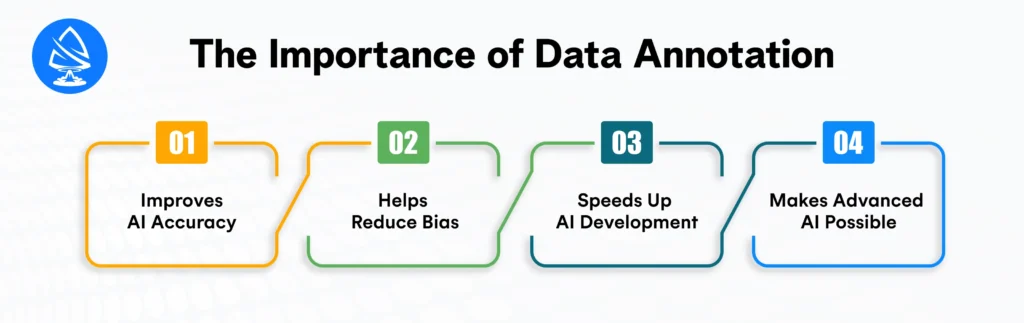
Improves AI Accuracy
High-quality data annotation allows AI models to learn from clear and correct examples. Accurate labels help reduce errors and improve prediction quality, leading to more dependable AI outcomes in real-world use cases.
Helps Reduce Bias
Well-annotated and diverse datasets support the development of balanced AI models. Consistent labeling across different data types helps minimize bias and promotes fair, trustworthy AI decisions.
Speeds Up AI Development
Clear and structured annotations simplify the training process for machine learning models. Faster learning cycles reduce rework and help AI solutions move from development to deployment more efficiently.
Makes Advanced AI Possible
Complex applications such as facial recognition, sentiment analysis, medical imaging, and autonomous systems depend on precise data annotation. Detailed labeling enables AI models to understand patterns that simple data alone cannot provide.
You may also want to know the best AI Programming Language
Types of Data Annotation
Different AI use cases require different types of data annotation. Each annotation method helps AI models learn specific patterns, behaviors, and contexts. Below are the most common types used in real-world AI applications.
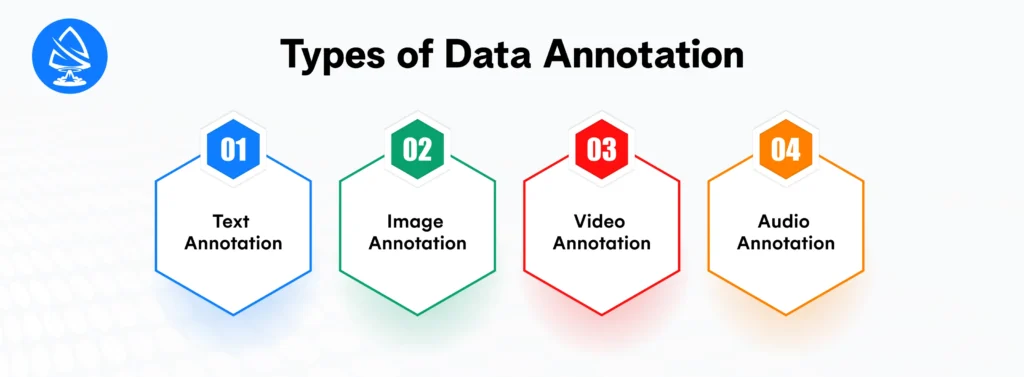
1. Text Annotation
Text annotation involves tagging words, sentences, or entire documents with meaningful labels such as intent, sentiment, or named entities. This type of annotation supports many natural language processing (NLP) applications.
Common Applications
- Chatbots and virtual assistants
- Spam detection and email filtering
- Sentiment analysis
- Document classification
For example, Amazon uses text annotation to analyze customer reviews and identify sentiment patterns, helping improve product recommendations and customer experience.
2. Image Annotation
Image annotation focuses on labeling visual elements within images so AI systems can detect objects, shapes, and patterns accurately. This type of annotation is widely used in computer vision projects.
Common Applications
- Bounding boxes
- Polygon annotation
- Semantic segmentation
- Keypoint annotation
For example, Self-driving cars use image annotation to identify pedestrians, traffic signs, road lanes, and vehicles. Labeled images help these systems learn how to drive safely in real traffic conditions.
3. Video Annotation
Video annotation involves labeling objects, actions, and movements across video frames. This method helps AI track behavior and understand motion over time.
Common Applications
- Surveillance and security systems
- Sports analytics
- Autonomous driving
For example, Retail businesses use video annotation to analyze customer movement inside stores. These insights help optimize store layouts, improve product placement, and enhance the overall shopping experience.
4. Audio Annotation
Audio annotation focuses on labeling speech, sounds, and voice data so AI systems can understand spoken language and audio cues.
Common Applications
- Speech transcription
- Speaker identification
- Emotion detection
For example, Voice assistants like Alexa and Siri use audio annotation to understand spoken commands, accents, and tone. Call center AI also uses it to detect customer emotions for better support.
What Is Online Annotation?
Online annotation uses cloud-based data annotation systems that allow teams to label data collaboratively from anywhere in the world. These platforms make it easier for us to manage large annotation projects while keeping workflows simple and efficient.
With online data annotation, you benefit from:
- Easy scaling with a remote annotation workforce
- Faster project turnaround and delivery
- Centralized quality control and review processes
Most modern data annotation platforms are cloud-based, making them ideal for businesses and global enterprises that need speed, flexibility, and consistency.
Data Annotation Tools and Platforms
Choosing the right data annotation tool or dataset annotation tool plays a critical role in the success of your AI and machine learning projects.
What Are Data Annotation Tools?
Data annotation tools are software solutions that help us label, organize, and manage training data efficiently. For businesses offering AI application development services, these tools streamline the annotation process while ensuring high accuracy and quality.
They support:
- Multiple data types, including images, text, audio, and video
- Automation combined with human-in-the-loop annotation
- Built-in quality checks and validation workflows
- Seamless integration with machine learning pipelines
Using the right data annotation tools ensures your AI models are trained effectively, enabling faster development and more reliable performance for your AI applications.
Must-Have Features in a Data Annotation Platform
A reliable data annotation platform should support both current needs and future growth. When selecting a platform, look for features that help us scale and maintain quality.
Key features include:
- Scalability to handle large and complex datasets
- Support for AI data annotation workflows
- Flexible and custom labeling options
- Strong data security, privacy, and compliance standards
- Analytics and performance tracking for continuous improvement
For businesses working with visual data, advanced image annotation tools with accuracy controls and quality assurance features should be a top priority.
Is Data Annotation Technology Legit?
A common question many people ask is whether data annotation technology is legitimate. The short answer is yes, when data annotation is carried out through trusted platforms and professional organizations.
Data annotation is a critical part of building accurate and reliable AI and machine learning models, which is why many global companies depend on it.
Why Data Annotation Is Sometimes Misunderstood?
The growth of remote data annotation work has also created some uncertainty in the market. This confusion often comes from:
- Low-quality or unverified annotation platforms
- Unrealistic income promises
- Limited transparency around processes and payments
These issues can make data annotation appear questionable, even though the underlying technology is widely used by leading enterprises.
You may also want to know the Best AI Companies
How Businesses Rely on Data Annotation?
Established organizations across industries rely on professional data annotation services to train and improve AI systems.
Real World Uses of Data Annotation
- Medical image annotation for early cancer detection
- Financial document annotation for fraud detection and analysis
- Image and video annotation for autonomous vehicle training
- Text and conversational data annotation for AI chatbots
Major enterprises invest millions of dollars every year in data annotation because the performance, accuracy, and reliability of their AI solutions depend directly on high-quality labeled data.
How AI Data Annotation Drives Business Growth Across Industries
AI systems can only learn effectively when the underlying data is clearly labeled. This is where data annotation becomes crucial. Across industries, businesses rely on annotated data to build smarter, faster, and more reliable AI solutions. An experienced AI application developer uses this labeled data to create models that deliver real-world results.
Healthcare
In healthcare, annotated medical images such as X-rays, MRIs, and CT scans help AI systems identify tumors, fractures, and abnormalities at an early stage. This supports doctors in making faster and more accurate diagnoses, improving patient outcomes, and reducing human error.
E-commerce
For e-commerce businesses, data annotation improves how AI understands product images, descriptions, and customer behavior. Labeled product data helps enhance search accuracy, power personalized recommendations, and deliver a better shopping experience for customers.
Finance
In the finance sector, annotated transaction data enables AI models to spot unusual patterns and detect fraudulent activity in real time. It also supports better risk assessment, compliance monitoring, and secure financial operations.
Retail
Retailers use image and video annotation to track inventory, analyze foot traffic, and understand customer behavior inside stores. These insights help businesses optimize stock levels, improve store layouts, and enhance overall customer engagement.
Industry reports suggest that AI adoption can increase productivity by nearly 40%, and accurate data annotation is one of the key factors behind this improvement.
Manual vs Automated Data Annotation
Businesses generally choose between manual, automated, or hybrid data annotation methods. Each approach offers different advantages depending on accuracy needs, speed, and project scale.
Manual Data Annotation
Manual annotation is performed by trained human experts. It delivers high accuracy and is best suited for complex or sensitive data such as medical records or legal documents. However, it requires more time and resources.
Automated Data Annotation
Automated annotation uses AI tools to label large volumes of data quickly. It is faster and more cost-effective, but the results often need human review to ensure accuracy and reliability.
The Hybrid Approach
Most organizations adopt a human-in-the-loop model, combining automation with human oversight. This approach balances speed, cost, and quality, making it ideal for large-scale AI projects.
Common Data Annotation Challenges and Their Solutions
As more businesses rely on AI, data annotation has become a critical step, but it comes with its own set of challenges. Some of the most common issues include:
- Rising costs: Manual annotation, especially for large datasets, can become expensive.
- Inconsistent labeling: Different annotators may interpret guidelines differently, leading to uneven or incorrect labels.
- Bias in datasets: If the data is not diverse or representative, AI models can inherit biases.
- Scaling difficulties: Handling massive volumes of data efficiently is often a major hurdle.
Ways to Overcome the Challenges:
Businesses can address these challenges by:
- Defining clear labeling guidelines: Detailed instructions reduce errors and ensure consistency.
- Using reliable annotation tools: High-quality platforms improve efficiency and maintain accuracy.
- Implementing quality assurance workflows: Regular checks and validations prevent mistakes and maintain data integrity.
- Leveraging online annotation platforms: Outsourcing or using cloud-based solutions helps scale operations without compromising quality.
- Focusing on dataset diversity: Ensuring data represents different scenarios, demographics, and conditions reduces bias in AI models.
By combining these strategies, businesses can overcome annotation challenges, save time and costs, and generate high-quality data that powers better AI results.
Best Practices for Successful Data Annotation
To get the most out of data annotation and ensure your AI models perform accurately, businesses should follow these proven best practices:
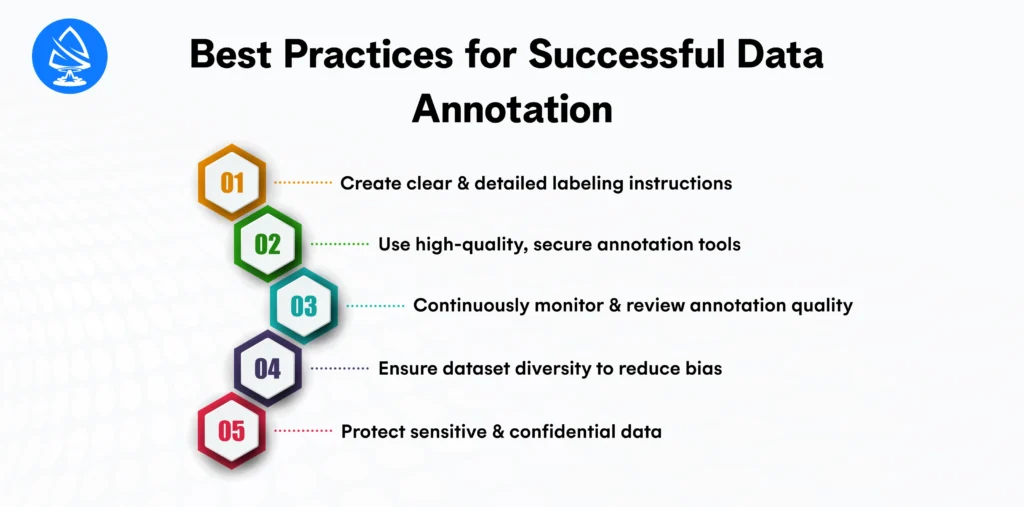
Create clear and detailed labeling instructions
Provide annotators with step-by-step guidelines and examples. Clear instructions reduce errors and ensure consistency across large datasets.
Use high-quality, secure annotation tools
Invest in reliable annotation platforms that offer advanced features, easy collaboration, and strong data security to protect sensitive information.
Continuously monitor and review annotation quality
Regularly check the work for accuracy and consistency. Implement feedback loops so errors can be corrected promptly and standards maintained.
Ensure dataset diversity to reduce bias
Include data from different scenarios, demographics, and conditions. Diverse datasets help AI models make fair, accurate, and unbiased decisions.
Protect sensitive and confidential data
Follow strict data privacy practices and compliance standards to safeguard personal or proprietary information while annotating.
The Future of Data Annotation
Data annotation is evolving quickly as AI technology advances. Businesses can expect new trends to shape the field, including AI-assisted labeling, synthetic data generation, and industry-specific annotation platforms designed to meet unique business needs. At the same time, there is a growing focus on ethical AI and responsible handling of data.
As AI systems become more sophisticated, the demand for accurate, scalable, and high-quality annotated data will only increase. Investing in robust data annotation practices is no longer just a task; it’s a long-term strategic move that can give businesses a competitive edge in building smarter, more reliable AI solutions.
Final Thoughts
Data annotation is more than just a technical step; it is a strategic investment for your business. Understanding what data annotation and prioritizing high-quality labeling help you deploy AI faster, improve model accuracy, and achieve a stronger return on investment.
Whether you are building computer vision models, chatbots, or predictive analytics, selecting the right data annotation platform and using reliable data annotation tools, image annotation tools, or a dataset annotation tool can make all the difference in your AI success.
In today’s world, powered by intelligent systems, artificial intelligence data annotation and AI data annotation solutions act as the silent force driving innovation. By investing in proper online annotation processes and the right data annotation tech, you ensure your AI projects deliver measurable results for your business.
When one of my friends started building an AI (artificial intelligence) chatbot for his startup, he chose the wrong programming language. Six months later, the project failed not because the idea was bad, but because the technology choice was wrong. Selecting the best AI programming language can give an organisation a long-term competitive advantage.
Modern businesses must take a thoughtful approach when choosing the best AI programming language, as artificial intelligence now plays a central role in gaining and maintaining a competitive advantage rather than being just an experimental technology. Selecting the right AI programming language directly impacts how quickly solutions are built, how smoothly systems scale, how easily skilled talent can be hired, access to the best AI tools, and the long-term success of artificial intelligence solutions across the organization.
Why Choosing the Best AI Programming Language Matters for Business Growth?
Artificial intelligence is not only about building smart algorithms. It is also about choosing the right foundation to support them. The right AI programming language helps teams build solutions faster, scale systems smoothly as demand grows, and reduce long-term development costs. It facilitates collaboration, enhances code quality, and streamlines maintenance over time.
A well-chosen AI programming language also gives businesses better access to skilled talent, strong community support, and the best AI tools available in the market. It enables faster experimentation, easier integration with existing systems, and more reliable performance in real-world environments. Most importantly, it allows organizations to move from ideas to production-ready AI solutions with confidence and clarity.
Choosing the wrong AI programming language can slow down AI projects and create avoidable business challenges. It often increases development and maintenance costs, delays product launches, and makes it harder to find skilled AI developers. Poor compatibility with existing systems can also lead to integration issues, while limited support for modern AI tools may restrict innovation and reduce the overall impact of AI solutions.
The best AI programming language depends on your specific goals, the skills of your team, and how quickly you need to bring AI solutions to market.
Key Factors That Make a Programming Language Suitable for AI
Understanding what makes a programming language suitable for AI is essential before evaluating different options. The right language helps teams build AI solutions more efficiently, enhance performance, simplify complexity, and ensure the long-term scalability and maintenance of AI projects.
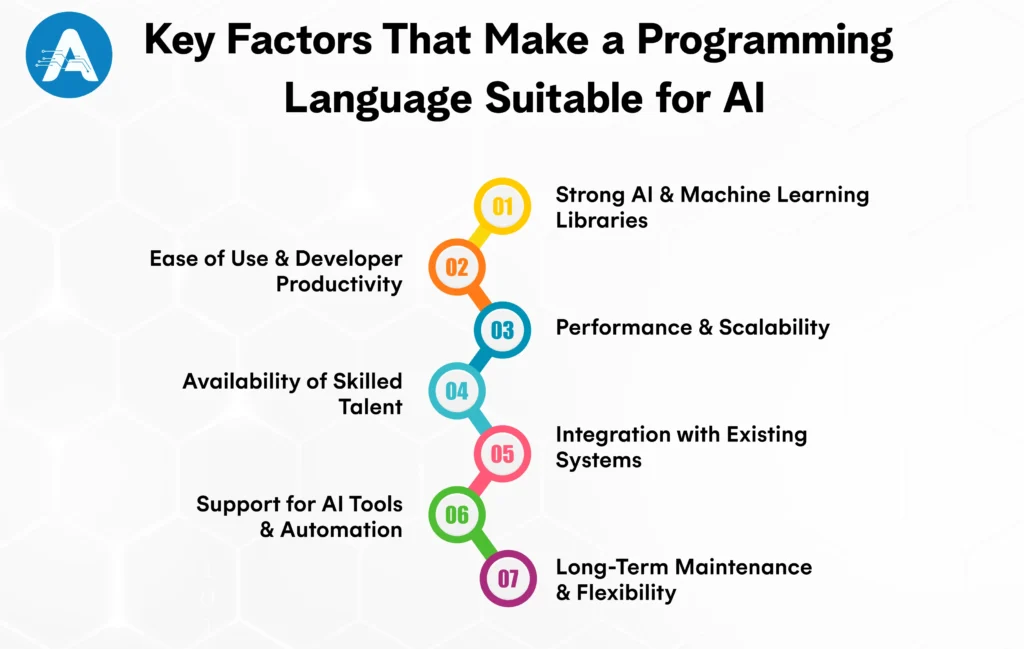
Strong AI and Machine Learning Libraries
The best AI programming language should provide ready-to-use libraries and frameworks for machine learning, deep learning, and data processing. These libraries make AI coding faster, reduce development effort, and improve accuracy. With strong ecosystems, teams can build reliable artificial intelligence code without starting from scratch, saving time and cost for both startups and large AI development companies.
Ease of Use and Developer Productivity
A language with simple syntax and a clear structure helps developers write, test, and update AI solutions more efficiently. Easy-to-learn languages improve productivity, making AI for coding more accessible and allowing teams to experiment, iterate, and innovate faster. This is especially important when using an AI code assistant to support rapid development.
Performance and Scalability
AI systems often handle massive datasets and, in many cases, require real-time responses. The best programming language for AI should deliver strong performance while scaling smoothly as workloads increase. High efficiency ensures that AI language choices support long-term growth without slowing down systems or increasing infrastructure costs.
Availability of Skilled Talent
Choosing a widely adopted AI programming language makes it easier to hire skilled developers and scale teams quickly. Languages with strong global communities offer better documentation, troubleshooting support, and proven practices. This talent availability is a major advantage for any AI development company working on complex or long-term AI projects.
Integration with Existing Systems
Modern AI solutions rarely work in isolation. They must connect seamlessly with existing software, databases, cloud platforms, APIs, and enterprise systems. A suitable AI programming language simplifies integration, enabling businesses to deploy the best AI software without disrupting current operations.
Support for AI Tools and Automation
Languages that are well-supported by AI code assistants, AI code generators, and advanced code generation tools help teams automate repetitive tasks and improve code quality. Strong compatibility with the best AI for coding tools allows developers to focus more on logic and innovation rather than manual coding.
Long-Term Maintenance and Flexibility
AI models and systems evolve as data, technologies, and business needs change. The best AI programming language should support easy updates, testing, and long-term maintenance. Flexible languages reduce technical debt and allow AI solutions to adapt without costly rewrites, ensuring sustainable success for businesses and AI development companies alike.
You may also want to know Haystack vs LangChain
Best Programming Languages for AI Development
Different programming languages support AI development in different ways, offering unique strengths in performance, scalability, and ease of use. Understanding these options helps businesses select the right foundation for building effective and scalable AI solutions.
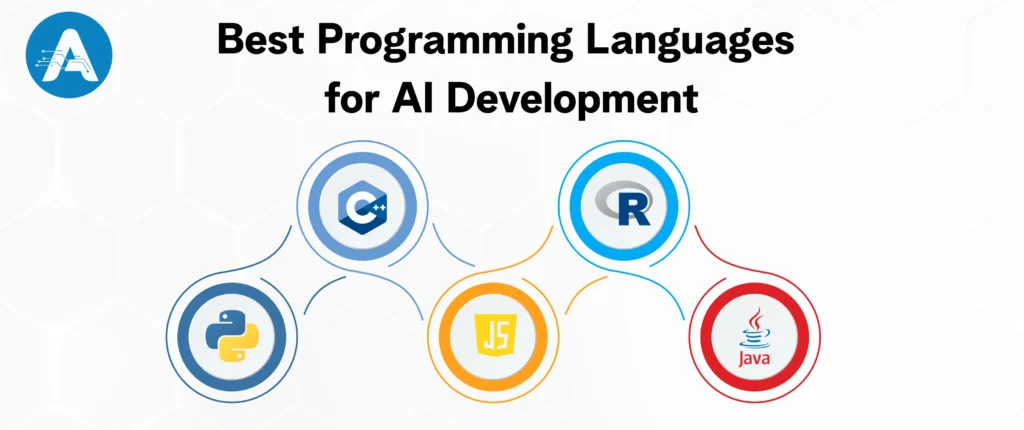
1. Python: The Most Popular AI Programming Language
When businesses and developers talk about the best AI programming language, Python is often the first choice. Its simplicity, flexibility, and powerful AI ecosystem make it widely preferred for AI development across industries.
Why Businesses Prefer Python for AI Development
Python was not originally designed for artificial intelligence, yet it has become the backbone of many modern AI solutions. Its simple and easy-to-read syntax allows developers to focus on solving business problems instead of dealing with complex code structures, which speeds up development and reduces errors.
Businesses prefer Python for AI development for several key reasons.
- Easy-to-read syntax that helps teams build AI solutions faster
- A rich ecosystem of AI and machine learning libraries that reduces development effort
- Strong compatibility with AI code assistants and AI code generator tools for faster coding
- Seamless integration with cloud platforms and existing enterprise systems
Some of the most widely used Python libraries for AI and machine learning include TensorFlow, PyTorch, Scikit-learn, Keras, and Hugging Face Transformers. These libraries provide ready-to-use tools that help businesses develop reliable and scalable AI applications without starting from scratch.
If you need rapid prototyping, deep learning models, and easy access to the best AI tools, and want to use AI for coding and automation, then Python is the ideal choice for your business operations.
For example
Netflix uses Python to recommend shows and movies to its users. By analyzing what people watch, Python-based AI helps Netflix suggest content that matches individual preferences, keeping users engaged and coming back to the platform.
Python also has a few limitations alongside its many advantages. While it is highly flexible and easy to use, Python runs slower than compiled languages such as C++. For AI applications that need real-time processing or very low response times, Python may require performance optimization or support from faster languages to achieve the desired results.
2. C++: High-Performance AI Programming Language
When performance and speed are critical, C++ is often considered one of the strongest options for AI development. Its ability to deliver fast execution and fine-grained control over system resources makes it suitable for performance-intensive AI applications.
Why Businesses Use C++ for AI Development
C++ is widely used in AI projects where real-time processing and low latency are essential. Unlike interpreted languages, C++ is a compiled language, which allows AI systems to run faster and more efficiently.
Businesses rely on C++ for AI development for several key reasons.
• High-speed execution for performance-critical AI systems
• Direct control over memory and hardware resources
• Strong suitability for real-time and embedded AI applications
• Reliable performance for large-scale and complex AI models
C++ is commonly used in areas such as computer vision, robotics, autonomous vehicles, and game AI, where response time and accuracy are crucial.
If your AI application requires real-time decision-making, low latency, or hardware-level optimization, C++ can be a strong choice for your business.
For example
Autonomous vehicle companies use C++ for real-time decision-making, allowing self-driving cars to quickly process sensor data and respond to road conditions within milliseconds.
However, C++ can be more complex to learn and maintain compared to higher-level languages. Development time may be longer, and it requires experienced developers to manage memory and system-level details effectively.
3. JavaScript: AI for Web and Frontend Applications
JavaScript has expanded beyond web development and is now widely used for AI-powered web applications. Its ability to run in both browsers and servers makes it unique among AI programming languages.
Why Businesses Use JavaScript for AI Development
JavaScript allows businesses to bring AI directly into web applications, improving user experience and interactivity without complex backend systems.
Businesses prefer JavaScript for AI development because it offers
- Easy deployment of AI models in web environments
- Real-time interaction with users through browsers
- Smooth integration with frontend and backend systems
- Support for AI libraries like TensorFlow.js
JavaScript is commonly used for chatbots, recommendation features, and AI-driven user interfaces on websites and web platforms.
If your AI solution is focused on web-based experiences or customer-facing applications, JavaScript can be an effective choice.
For example
Web-based chatbots use JavaScript to analyze user messages in real time and respond instantly within the browser, improving customer support experiences.
But JavaScript is not ideal for heavy AI computation and often relies on backend systems for complex model training.
4. R: A Data-Focused AI Programming Language
R is widely used for AI projects that focus on data analysis, statistics, and research-driven insights. It is especially popular among data scientists and analysts working with structured data.
Why Businesses Use R for AI Development
R is designed for statistical computing and data visualization, making it ideal for AI projects that rely heavily on data exploration and predictive modeling.
Businesses choose R for AI development because it offers
- Strong statistical and analytical capabilities
- Powerful data visualization tools
- Excellent support for data modeling and forecasting
- Easy experimentation with AI and machine learning algorithms
R is commonly used in healthcare, finance, academia, and research organizations for predictive analytics and decision-making models.
If your AI projects are data-heavy and focused on insights rather than real-time deployment, R can be a valuable tool.
For example
R is used in healthcare analytics to predict patient outcomes by analyzing medical data and identifying risk patterns to support better treatment decisions.
On the other hand, R is less suited for production-scale AI systems and large applications, especially when compared to Python or Java.
5. Java: Enterprise-Friendly Programming Language for AI
Java is a popular choice for AI development in enterprise environments. Its stability, scalability, and strong security features make it suitable for building large, long-term AI systems.
Why Businesses Prefer Java for AI Development
Java is known for its platform independence, allowing AI applications to run consistently across different systems. This makes it especially valuable for enterprises with complex infrastructure.
Businesses choose Java for AI development for several reasons.
- Strong scalability for large AI applications
- High reliability and security for enterprise use
- Easy integration with existing enterprise systems
- Extensive support for distributed and cloud-based AI solutions
Java is often used in AI-driven recommendation engines, fraud detection systems, and customer analytics platforms in industries like banking, telecom, and e-commerce.
If your business needs AI solutions that integrate deeply with enterprise systems and scale across large user bases, Java can be a practical and reliable option.
For example
Banks use Java to build AI-powered fraud detection systems. Java-based AI analyzes transaction patterns in real time to identify suspicious activity and help prevent financial fraud at scale.
On the downside, Java can be more verbose than other languages and may feel slower during early prototyping compared to Python.
You may also want to know Data Annotation
How Businesses Can Select the Best AI Programming Language
The success of any AI initiative largely depends on choosing the best AI programming language. Picking a language that aligns with your business goals, team expertise, and long-term growth can save time, reduce costs, and improve efficiency for AI solutions.
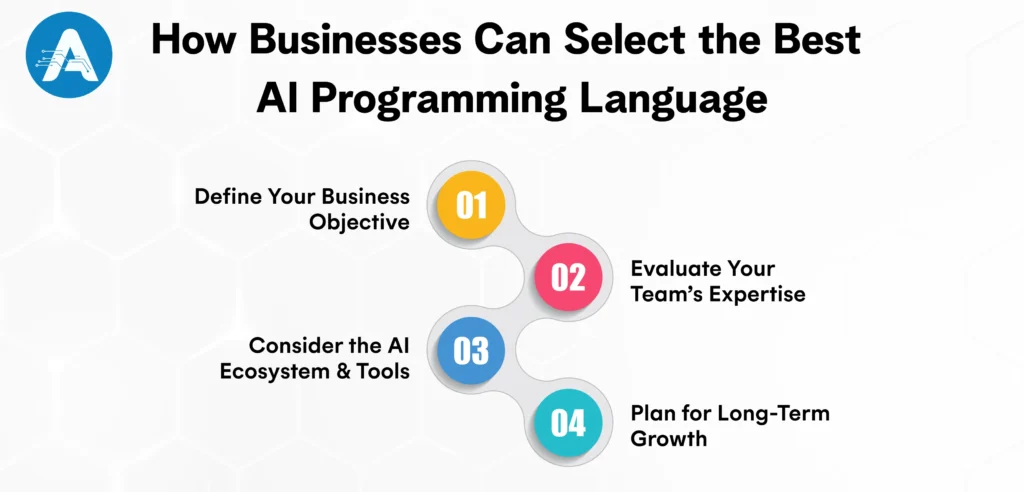
Define Your Business Objective
The first step in any AI project is to define your business goal. Each objective requires different technical strengths, so select a programming language that fits your needs. Python or R is ideal for predictive analytics and AI coding, Java works well for enterprise automation, C++ handles real-time AI efficiently, and JavaScript powers web-based AI applications. Selecting the right language early accelerates development, reduces risks, and maximizes ROI.
Evaluate Your Team’s Expertise
A programming language is only effective if your team can use it efficiently. If your developers already know Python, switching to another language can increase training costs, extend timelines, and add project risks. Leveraging existing expertise helps your business move faster, reduce expenses, and maintain smoother execution, especially when working with artificial intelligence codes and AI for coding projects.
Consider the AI Ecosystem and Tools
The libraries, frameworks, and tools available for a language play a key role in AI development. Python, for example, has one of the most advanced AI ecosystems, supporting AI code generation, AI code generators, AI code assistant, and other best AI tools. A robust ecosystem speeds up development, simplifies troubleshooting, and ensures smooth deployment of AI solutions for any AI application developer.
Plan for Long-Term Growth
AI projects often start small but can evolve into core business systems. Choosing a language that scales with growing data, integrates seamlessly with existing platforms, and supports future advancements ensures sustainability. Investing in thebest AI software and the right AI language keeps your business adaptable and ready for new challenges. Partnering with experienced AI application development services ensures your AI initiatives remain efficient and future-proof.
Common Mistakes Companies Make in AI Development
Many businesses make costly errors when choosing an AI programming language. Common mistakes include following trends blindly, ignoring talent availability, and underestimating integration needs.
- Following Trends Without Strategy: Choosing a language just because it’s popular doesn’t ensure it meets your AI goals and can lead to wasted time and higher costs.
- Ignoring Talent Availability: Selecting a language few developers know can make hiring harder, increase costs, and delay projects.
- Underestimating Integration Needs: AI rarely works alone. Neglecting integration with existing systems can create bottlenecks and operational challenges.
Wrapping Up
There is no single programming language that works for every AI project. However, for most businesses today, Python stands out as the best AI programming language due to its simplicity, strong ecosystem, and compatibility with the best AI software and tools. Other languages shine in specific scenarios: Java is ideal for enterprise-level applications, C++ is suited for performance-critical AI solutions, JavaScript powers AI-driven web experiences, and R excels in data-heavy research and analytics. The most successful companies don’t pick a language at random; they assess their goals, team skills, and future growth to choose the language that best fits each specific AI challenge.
One of my friends worked on a business AI project where he had to choose between Haystack vs LangChain. He started with LangChain because it was quick to set up and easy to turn into a chatbot, and it worked well in the early stages. But once real documents and larger datasets were added, the answers became inconsistent. After incorporating Haystack into the search setup, the responses felt more reliable and easier to trust. That’s when it became clear the decision was not about choosing one tool over the other, but about using each where it worked best.
Today, companies are building AI chatbots, document search engines, internal knowledge assistants, and customer-facing AI tools. In nearly every discussion about these projects, the same two names consistently appear: LangChain and Haystack. Understanding how each tool fits different needs is the key to making the right choice for your AI project.
Why Haystack vs LangChain Matters?
Choosing between Haystack vs LangChain matters because both tools solve different problems in AI projects. LangChain is great when you want to build quickly, experiment, or create conversational features like chatbots. Haystack, on the other hand, is designed for accurate search and works better when your AI needs to pull reliable answers from documents. Understanding this difference early helps you avoid wrong answers, reduce rework, and build an AI system that actually performs well in real business situations.
What Is A Haystack?
In AI, Haystack is an open-source framework focused on search, question answering, and document-based AI. It is built to handle large amounts of data and is often used in systems where accuracy and reliability are critical.
Haystack works well for:
- Searching across millions of documents
- Building structured AI search pipelines
- Retrieving accurate, source-based answers
- Enterprise-level AI applications
Haystack focuses less on conversation and more on finding the right information first, then generating answers based on trusted data.
What Is LangChain?
LangChain is an open-source framework that helps you build AI applications using large language models. Instead of working with a single prompt, LangChain allows you to connect prompts, tools, memory, and external data into structured workflows called LangChain chains.
This makes it easier to create AI systems that can think through tasks, remember context, and interact with other tools or data sources.
LangChain is commonly used for:
- AI agents
- Reasoning-based workflows
- Conversational assistants and chatbots
- Fast testing and experimentation
You may also want to know AI Website Builder
Why Developers Choose LangChain or Haystack
Developers choose between LangChain and Haystack based on what their AI project needs most. While both tools are powerful, they serve different purposes, which is why the decision often comes down to speed versus accuracy.
Many developers prefer LangChain when they want to build quickly and experiment with AI features. It is especially popular for chatbots and conversational AI because LangChain chains make it easy to connect prompts, tools, and memory into flexible workflows. With a large community on GitHub LangChain, developers can move fast, test ideas easily, and build AI agents without much setup.
On the other hand, developers turn to Haystack when accuracy and reliable search are more important than rapid experimentation. Haystack is designed for document-heavy AI systems and works well as a Haystack search engine that pulls answers directly from real data. Its structured pipelines help reduce hallucinations, making it ideal for enterprise projects, internal knowledge bases, and compliance-focused applications.
Just as Haystack Rock in Oregon stands firm and precise in the ocean, Haystack provides a solid foundation for AI systems that need dependable, document-backed answers.
In simple terms, developers rely on LangChain for flexibility and fast development, and on Haystack when their AI system requires accuracy and trustworthiness.
Haystack vs LangChain: Understanding Their Core Philosophy
The key difference between Haystack vs LangChain is not superiority, but their approach to problem-solving.
Haystack: Search-First Approach
Haystack focuses on finding the right information before generating an answer.
It searches through large document collections, ranks the most relevant results, and then passes only trusted data to the language model. This helps reduce errors and keeps responses grounded in real content.
That’s why Haystack works best for search engines, document-based Q&A systems, and enterprise AI applications where accuracy, reliability, and transparency really matter.
LangChain: LLM-First Approach
LangChain puts the language model at the centre of the application.
The LLM decides what action to take, when to use tools, and how to respond to users. It connects prompts, tools, memory, APIs, and external services into one smooth workflow.
Because of this flexibility, LangChain is ideal for chatbots, AI assistants, workflow automation, and interactive applications where conversations and dynamic decision-making are important.
Haystack vs LangChain: Key Features Compared
| Core Aspect | Haystack | LangChain |
| Main Purpose | Finds the right information and answers questions accurately | Builds AI apps by connecting LLMs, tools, and logic |
| Best For | Search systems, document Q&A (Question & Answers), enterprise RAG (Retrieval- Augmented Generation) | Chatbots, AI assistants, automation workflows |
| Ease of Learning | Takes more time to learn | Easier to start, beginner-friendly |
| Chatbot Creation | Good support, but more structured | Excellent support for chatbots and conversations |
| Search Capability | Powerful, advanced search engine | Basic search features |
| Enterprise Readiness | Strongly built for enterprise use | Growing adoption in companies |
| Flexibility | More structured but very stable | Very flexible and customizable |
| Community & GitHub | Smaller but consistent community (Haystack GitHub) | Huge community and very active (GitHub LangChain) |
Haystack vs LangChain: How They Are Used in Real Life
Both tools are powerful, but they are used in different real-world situations. The right choice depends on what you are building and how accurate or flexible your system needs to be.
Consider Haystack, if:
- You are building a search system based on large documents (PDFs, manuals, knowledge bases)
- Accuracy and reliability are more important than creative responses
- You are deploying AI in an enterprise or regulated environment
- You need clear, explainable answers backed by real data sources
In real life, Haystack is commonly used by enterprises and research teams that need reliable, trustworthy information.
Consider LangChain, if:
- You are building a chatbot or AI assistant that talks naturally with users
- You want to build and test ideas quickly without a heavy setup
- You need the AI to use tools, call APIs, or take actions automatically
- You are experimenting with workflows, agents, or multi-step reasoning
In practice, LangChain is popular with startups and developers creating AI chatbots and smart interactive tools.
LangChain vs Llama Index: Key Differences and Use Cases
Another comparison that often comes up for teams at an AI development company is LangChain versus LlamaIndex. Both frameworks are powerful but serve slightly different purposes, and understanding their strengths can help teams choose or even combine them effectively.
LlamaIndex Strengths
LlamaIndex is primarily focused on data ingestion and indexing. Its main goal is to help organize and structure documents so that an AI system can access and query them efficiently.
Key Advantages:
- Structured document querying: If your project involves PDFs, spreadsheets, or large knowledge bases, LlamaIndex makes it easy for the AI to locate exactly what it needs.
- Optimized for retrieval-heavy tasks: LlamaIndex is designed to handle large volumes of data and return relevant information quickly, making it ideal for search and knowledge-based applications.
LangChain Benefits
LangChain is designed for flexible orchestration and advanced AI workflows. It focuses on connecting language models with tools, APIs, and logic to help developers create more dynamic applications.
Key Advantages:
- Flexible AI workflows: LangChain can manage multi-step tasks, handle dynamic decision-making, and integrate multiple tools or agents seamlessly.
- Ideal for building AI applications: From chatbots to automated systems, LangChain gives you the structure to control how the AI interacts with data and other components.
- Adaptable and scalable: Whether you are experimenting with small prototypes or deploying full-scale AI solutions, LangChain can scale to fit your needs.
Using LlamaIndex and LangChain in AI Applications
Many teams building advanced AI systems find that combining LlamaIndex and LangChain delivers the best results. LlamaIndex excels at organizing and retrieving large volumes of data, while LangChain provides the flexibility to process that data, generate intelligent responses, and orchestrate complex AI workflows.
This approach is especially valuable for companies offering AI application development services, as it enables developers to:
- Build highly accurate AI applications: LlamaIndex ensures the AI has access to the most relevant documents and data.
- Create flexible, dynamic workflows: LangChain handles multi-step reasoning, agent-based decisions, and integration with external tools or APIs.
- Develop scalable solutions: From chatbots to enterprise automation systems, this combination supports both small prototypes and full-scale AI deployments.
By integrating these frameworks, teams can deliver powerful, reliable, and adaptable AI applications, maximizing both accuracy and flexibility.
You may also want to know the best AI Programming Language
Key AI Statistics
The popularity of AI frameworks is clear from platforms like GitHub LangChain and Haystack GitHub, where developers actively contribute and share projects. Tools such as Haystack Search Engine demonstrate how widely these frameworks are being adopted in real-world AI applications.
- LangChain GitHub stars: 123,000 approximately
- Haystack GitHub stars: Over 20,000
- Enterprise RAG adoption growth: CAGR of 38.4% or as high as 49.1% between 2025 and 2030.
LangChain has gained immense popularity among developers, supported by a large and active community on GitHub. In contrast, Haystack is widely trusted by enterprises for building reliable, document-focused AI systems.
For an AI application developer, this highlights an important insight: choosing the right framework depends on whether you prioritize community support and flexibility (LangChain) or enterprise-grade reliability (Haystack).
In short, LangChain dominates developer mindshare, while Haystack dominates enterprise trust and real-world applications.
Best Practices from Real AI Projects
The most effective AI solutions often come from a practical, hybrid approach rather than relying on a single framework. Successful projects combine the strengths of different tools to achieve both accuracy and flexibility.
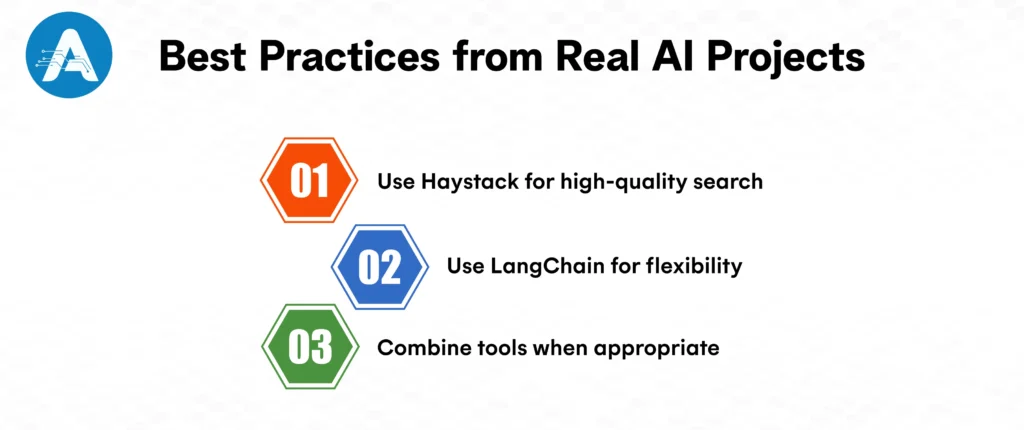
- Use Haystack for high-quality search: When precise, document-focused results are essential, Haystack Search Engine delivers reliable performance, which is why enterprises trust it for real-world applications.
- Use LangChain for flexibility: For projects requiring dynamic workflows, multi-step reasoning, or enhanced user interactions, LangChain provides the adaptability and community support needed to innovate.
- Combine tools when appropriate: Many AI applications integrate both frameworks using Haystack for accurate data retrieval and LangChain to orchestrate responses and manage interactions.
The key takeaway is that AI isn’t about choosing sides; it’s about choosing what works best for each project. The principle remains the same: combine accuracy with flexibility for optimal results.
Final Thoughts on Haystack vs LangChain
There is no one-size-fits-all winner when comparing Haystack and LangChain, as each framework excels in different areas. LangChain is known for its innovation, speed, and ability to support experimentation, making it ideal for projects that require flexibility and rapid prototyping. In contrast, Haystackstands out for its precision, scalability, and enterprise readiness, making it the preferred choice for large-scale, reliable search and document-focused applications.
Furthermore, choosing the right framework depends on several factors, including project size, data complexity, team expertise, and long-term maintenance goals. Smaller prototypes or experimental projects may benefit from LangChain, which is easier to get started with and allows for flexibility and rapid development.
On the other hand, larger, document-focused systems that require accuracy, scalability, and enterprise-level reliability are better suited for Haystack. Ultimately, the decision should align with the specific needs of your project, balancing flexibility, precision, and the resources available for development and maintenance.
Imagine you have a great idea and need a website right away, without the wait. Today, building a website no longer means relying on designers, dealing with complex coding, or facing long delays. With an AI website builder, you can create and launch a site quickly, easily, and without stress.
Many people with strong ideas still feel stuck when it’s time to turn them into a website. The technical steps feel confusing, choosing a design feels hard, and the whole process seems to take too much time. That’s where AI comes into the picture. By removing these hurdles, AI makes website creation simple and approachable. In less than an hour, a complete and professional website can be ready to share with customers.
It may seem like a small shift, but it has completely changed how people approach building websites. What once felt complicated and slow is now fast and straightforward.
In this blog, we’ll explain what AI website builders do, why they’ve become so popular, how people are using them in real-world scenarios, and how you can choose the best option for your goals.
How AI Website Builder is Replacing Traditional Website Creation
Until recently, building a website felt like a slow and frustrating process. You either had to hire a web developer and wait weeks while spending a lot of money, or try to figure things out on your own using tools like WordPress, themes, and plugins. Even drag-and-drop builders, which promised simplicity, often left beginners feeling confused and unsure about what to do next.
Consequently, many people kept postponing their website launch. The idea was there, the motivation was strong, but the process felt overwhelming and time-consuming. And in today’s digital world, delaying a website often means missing out on customers who expect to find you online.
This is where AI makes a real difference. AI website builders have completely simplified the process. Instead of spending hours on setup, design choices, and technical details, AI handles most of the work for you. What used to take days or even weeks can now be done in just a few minutes.
Because of this, people no longer have to worry about the technical side of building a website. Instead, they can spend their time sharing their ideas, growing their business, and connecting with their audience. This shift is why more people are moving away from traditional website-building methods and turning to AI, which is faster, easier, and better suited to how we work today.
You may also want to know Artificial Intelligence Development Companies
What Is an AI Website Builder?
An AI website builder is a smart tool that helps you build a complete website using artificial intelligence. Instead of handling everything manually, the AI creates the layout, structure, and pages for you using just a few basic details you provide.
For many individuals, building a website can feel complicated because it involves layout decisions, page design, content creation, and mobile optimization.
With an AI website builder, you don’t need to worry about design or technical setup because AI application development services handle it all. You simply answer a few easy questions about your business or idea, your target audience, and the style you prefer. That’s all it takes. Within minutes, your website is ready to go live.
This approach, powered by AI website development, is quickly becoming the easiest and most efficient way for businesses and individuals to create professional websites today.
How Do AI Website Builders Create Websites?
When you start, an AI development company’s platform asks a few simple questions about your business, audience, and preferred style. The AI uses this information to understand what you want to build, then creates the website structure for you, including pages like Home, About, Services, and Contact.
Furthermore, the AI also generates content such as headings, text, images, and call-to-action buttons based on proven design and content best practices. Finally, it optimizes the design so your website looks great and works smoothly on mobile, tablet, and desktop devices.
In short, AI website builders handle the planning, design, content, and optimization so you can get a complete website quickly without technical effort.
An AI website builder makes it quick and easy to turn your ideas into a live website without any technical complexity. With a durable AI website builder, you can create a professional website by following these simple steps:
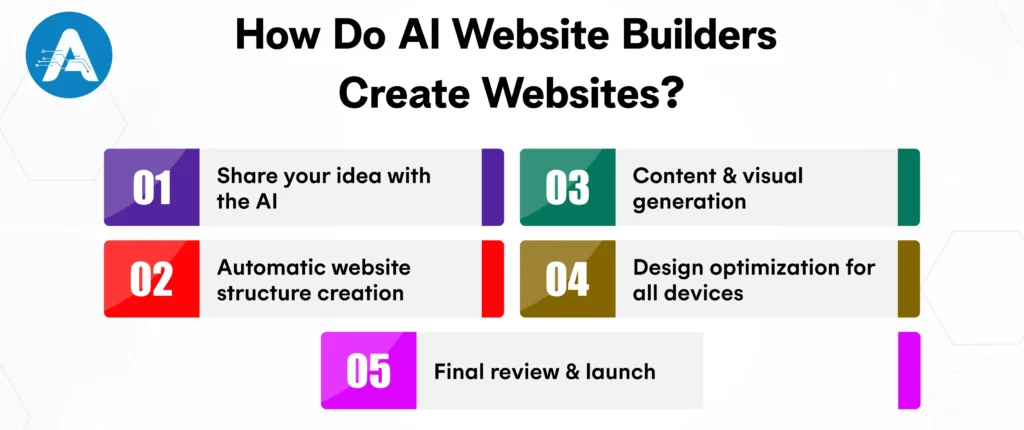
Step 1. Share your idea with the AI
Start by answering a few simple questions about your business, target audience, and preferred style. This helps the AI understand what kind of website you want to create.
Step 2. Automatic website structure creation
Using your inputs, the AI builds the overall layout of your website. Essential pages like Home, About, Services, and Contact are created automatically.
Step 3. Content and visual generation
The AI creates relevant content, including headlines, text, and call-to-action buttons. It also selects images and visuals that align with your brand and message.
Step 4. Design optimization for all devices
Your website is optimized to look professional and work smoothly on mobile phones, tablets, and desktops without any manual adjustments.
Step 5. Final review and launch
Once everything is ready, the AI fine-tunes the design and layout, making your website polished and ready to go live within minutes.
After seeing how easy it is to create a website with an AI builder, businesses and individuals are increasingly turning to AI tools to launch professional, effective websites faster and with less effort.
Why Choose AI Website Builders?
AI website builders are becoming increasingly popular with individuals, small businesses, and enterprises alike. Here’s why they are the preferred choice:
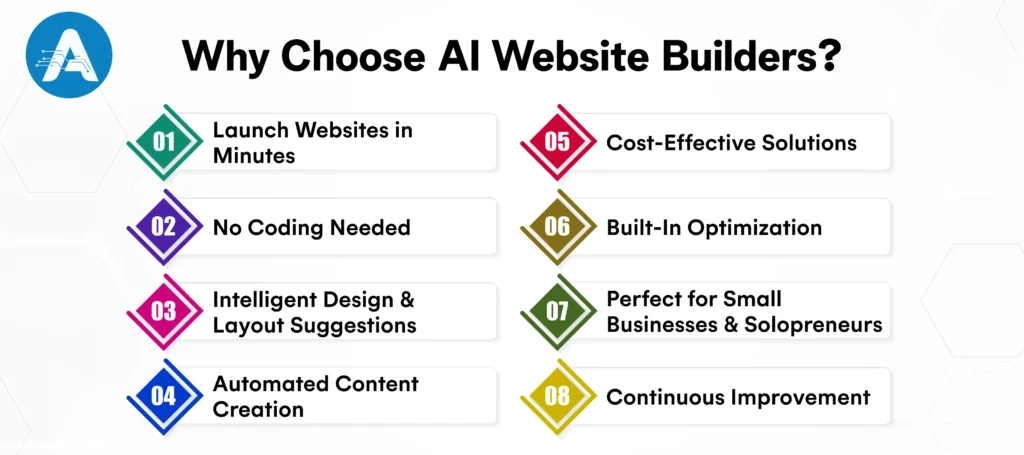
Launch Websites in Minutes
AI can create a fully functional website in a fraction of the time it takes to build one manually. Instead of weeks of design and development, a complete site can be ready in minutes with just a few clicks.
No Coding Needed
Traditional website creation often requires technical skills like HTML, CSS, or design knowledge. An AI application developer removes that barrier entirely. You simply answer a few simple questions, and the AI generates layouts, content blocks, and design styles automatically. Editing is easy with drag-and-drop or text-based tools, making website creation accessible to anyone, even without technical expertise.
Intelligent Design and Layout Suggestions
AI analyzes best practices in design, layout, and user experience, then applies them automatically. It ensures balanced color schemes, professional typography, and mobile-friendly layouts. Even beginners can create polished, modern websites without trial and error.
Automated Content Creation
Some AI builders can assist with creating content by suggesting headlines, drafting About sections, writing product descriptions, and more. This feature is especially valuable for small businesses, solo entrepreneurs, and creatives who may not have dedicated copywriting resources, allowing them to launch a professional website quickly and efficiently.
Cost-Effective Solutions
Hiring a web designer and developer can be expensive, especially for startups and small businesses. AI builders offer affordable subscription plans, making professional websites more accessible.
Built-In Optimization
AI platforms often include features such as SEO suggestions, performance enhancements, and responsive design to ensure your website loads quickly, functions well on all devices, and is search-engine ready.
Perfect for Small Businesses and Solopreneurs
AI website builders offer a fast and cost-effective way for small businesses and solopreneurs to create landing pages, build portfolios, sell products online, and promote services, all without the need for technical expertise.
Continuous Improvement
AI platforms are constantly learning and updating, which means your website benefits from smarter layout recommendations, new templates, and improved performance over time, ensuring it stays modern and efficient without additional effort.
The Rise of AI Website Builders
The growth of AI website development is not just a trend but is supported by real-world results. AI-powered tools are changing the way websites are built, making the process faster, easier, and more efficient than ever before.
With AI website builders, creating a website is no longer a time-consuming task. You can get your site online quickly, without needing to spend hours on design, coding, or technical setup. Businesses also benefit from reduced development costs since much of the work that used to require a team is now handled automatically. On top of that, AI-generated, conversion-focused layouts help keep visitors engaged, guiding them toward the actions that matter most for your business.
This combination of speed, efficiency, and effectiveness is why platforms like Durable AI website builder, WordPress AI website builder, and other AI website generators are becoming increasingly popular. Whether you’re a solopreneur, a small business owner, or a content creator, AI makes it possible to launch a professional, high-performing website without the usual hassle. With its ability to simplify complex tasks while delivering quality results, AI truly takes the lead in modern website creation.
You may also want to know Haystack vs LangChain
Top 5 AI Website Builders for Fast and Easy Website Creation
An AI website builder lets you create a professional-looking website in just a few minutes without coding or design skills. Whether you’re searching for a free AI website, a WordPress AI website builder, or a complete AI website design generator, these tools make AI website creation quick, simple, and budget-friendly.
1. Durable
Durable is a smart AI website builder that can create a fully functional website in less than a minute. From layout and content to design, everything is handled automatically, making AI website development easy for anyone. It is apt for small businesses and fast website launches. If you are looking for an AI website builder that focuses on speed, simplicity, and business growth, then Durable AI website builder isthe ideal choice for you.
Key Features:
- Instant AI website creation with one click
- Built-in CRM, analytics, and AI content tools
- Designed to improve leads and conversions
2. Wix
Wix is a powerful AI website builder that helps users create a professional website by answering a few simple questions. Its AI system generates layouts, content, and design automatically, making AI website creation smooth and beginner-friendly. Wix is perfect for individuals, creatives, and businesses looking for a free AI website with flexible customization options.
Key Features:
- Free plan available for beginners
- AI-powered website and content generation
- Easy drag-and-drop editor with SEO tools
3. WordPress AI Website Builder
The WordPress AI website builder combines AI automation with WordPress’s advanced features to deliver scalable AI website development. It creates layouts and content quickly while giving users full control through plugins and themes. This makes it ideal for blogs, businesses, and long-term website growth.
Key Features:
- AI-generated pages and content
- Thousands of plugins and themes
- Strong SEO and performance optimization
4. Hostinger AI
Hostinger AI is a budget-friendly AI website generator designed for quick and simple website creation. It automatically builds responsive designs and content, helping users launch websites fast. This tool is suitable for startups and small businesses looking for affordable AI website creation.
Key Features:
- AI-powered design and text generator
- Mobile-friendly templates
- Cost-effective pricing plans
5. Zyro
Zyro is an easy-to-use AI website design generator that focuses on simplicity and speed. It helps users build clean and modern websites without technical skills. Zyro is a good option for personal sites and small businesses searching for a simple AI website builder.
Key Features:
- AI logo and content generator
- Beginner-friendly website editor
- Fast setup with ready-made templates
Free AI Website or Paid: Which Is Right for You?
If you’re unsure whether to choose a free AI website builder or a paid one, it really depends on what you need and what you want to achieve.
A free AI website is a better choice if you are:
- You’re just starting your online journey
- You need a simple portfolio, landing page, or personal site
- You want to test an idea quickly without spending money up front
With the best free AI website, you typically get all the essentials to get started. This includes important pages like Home, About, and Contact, basic hosting to get your site online quickly, and simple customization options so you can personalize it and make it your own.
Paid AI website builder is the perfect choice if you are :
- You’re running a business or building a brand
- You want full control over your design and branding
- You need advanced features, integrations, or marketing tools
The best part is that many platforms let you start with a free AI website builder and upgrade whenever you need more features. This way, you can get online quickly without any risk and expand your site as your business grows.
Why the Durable AI Website Builder Is a Game-Changer?
Among modern AI tools, the durable AI website builder has gained attention for one main reason: speed. It’s designed for people who want to get online quickly without compromising quality. With Durable, you can have a fully functional business website ready in no time, complete with automated content and design, plus built-in CRM (Customer Relationship Management) and marketing tools. For solopreneurs and service-based businesses, a Durable AI website builder shows how AI website development is evolving beyond just design. It is becoming a complete business solution.
How Can a WordPress AI Website Builder Help You?
If you love WordPress but find the setup overwhelming, a WordPress AI website builder might be the perfect fit. Instead of manually installing themes, configuring plugins, or designing layouts, AI handles the heavy lifting while WordPress gives you flexibility and control. This approach is especially popular among bloggers, content creators, and SEO-focused businesses. It combines the best of both worlds: the freedom and customization of WordPress with the efficiency and automation of AI.
Why Use an AI Website Design Generator?
Design used to be one of the biggest challenges for website creators. Today, an AI website design generator handles it all. It selects color palettes, matches typography, and arranges layouts based on your industry automatically. You don’t need to be a design expert. Even if you are not creative, AI helps you launch a professional and visually appealing website with confidence.
How to Choose the Best AI Website Builder?
Make sure that not all AI website tools are created equal. When you are choosing the best AI website builder, you should consider the following points:
- The website builder should be easy to use, allowing you to create your site without tutorials or technical knowledge.
- It should let you customize text, images, and layouts effortlessly.
- The website should automatically look good on phones, tablets, and desktops.
- The tool should support SEO to improve your website’s visibility on search engines.
- The website should be scalable, growing, and adapting as your business or project expands.
- A good AI website generator should feel like a partner, guiding you along the way, not software you struggle to use.
Final Thoughts on Using an AI Website Builder
If you want a website quickly, without hassle, and with professional results at a lower cost, an AI website builder is definitely worth it.
Whether you start with a free AI website, use a WordPress AI website builder, or opt for a premium AI website design generator, you are choosing simplicity and efficiency over complexity.
In today’s digital world, making this choice can save you time, reduce stress, and help you focus on growing your business or sharing your ideas online.